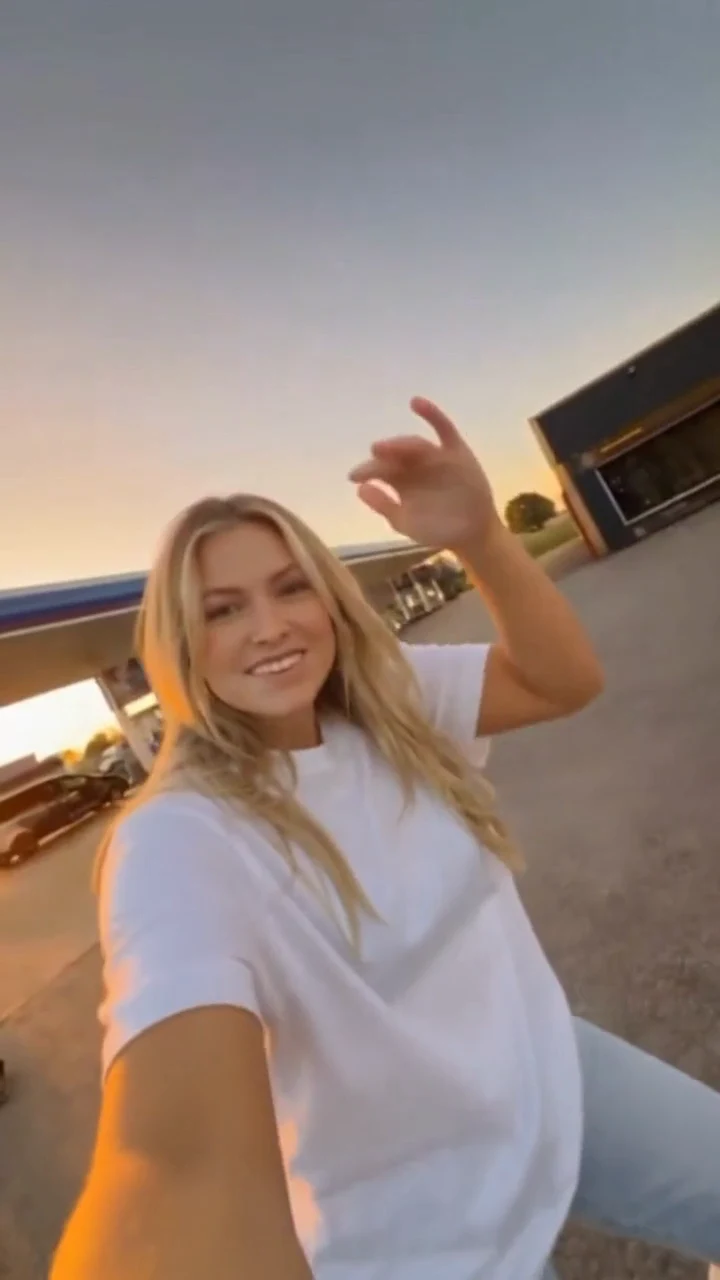
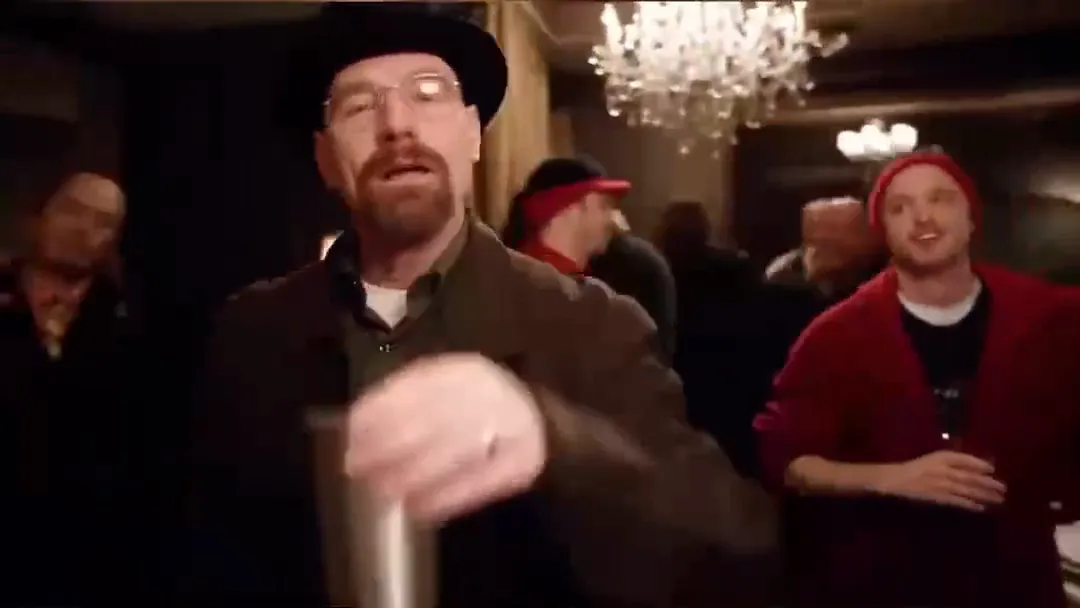
What is the Flying Entrance trend?
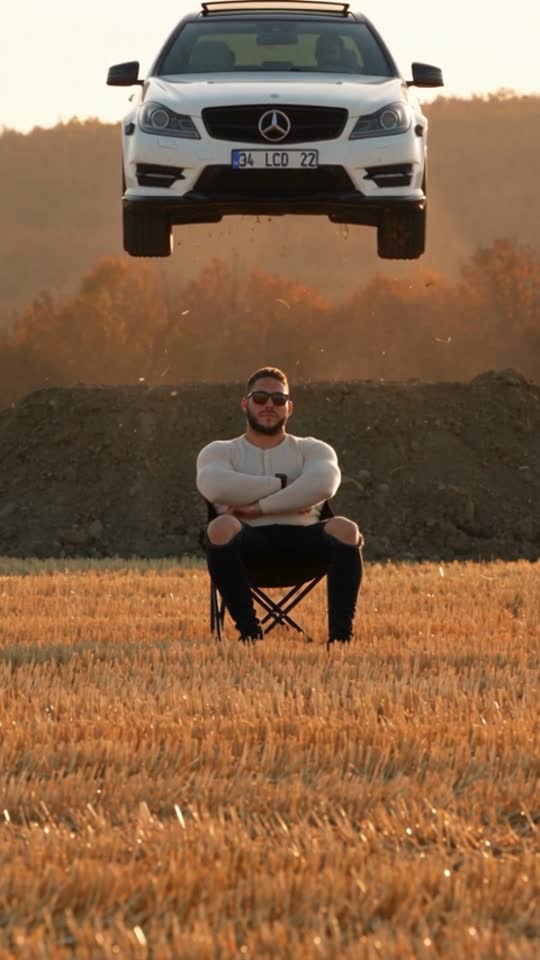
Flying Entrance is an AI Car Jump Video idea: a person sits facing the camera while a car jumps over a bump and lands behind the chair. The calm pose and dramatic background motion create the contrast.
This page provides references and scene planning. Credit plans currently cover the Burning Bridges party template: one photo, 15 seconds, 720P, 16:9 and 100 credits per video. Buying credits does not select or generate this scene.
Stay calm in the foreground. Let your car make a flying entrance behind you, landing in a cloud of golden dust.
2 reference photos · 12-second reference · Vertical (9:16)
Check included templates and output settings on Pricing.
Flying Entrance turns a quiet portrait into a cinematic car-jump scene. A seated person faces the camera while the vehicle arcs through the air behind them. Warm backlight, slow motion and a dusty landing give the shot its impact.
The reference follows one continuous shot: the car launches over a bump, flies above the field and touches down behind the chair. A finger snap or a dirt-shower ending changes the mood.
| Trend | Flying Entrance · AI Car Jump Video |
|---|---|
| Photo references | One person, one car |
| Scene endings | Finger snap or dirt shower |
| Reference format | About 12 seconds · vertical 9:16 |
| Sound | The reference includes sound; output audio depends on the selected template. |
| Plans | See current plans and included templates on Pricing. |
Before and after
A person and a car provide the two visual references. Compare the source images with the car-jump scene.
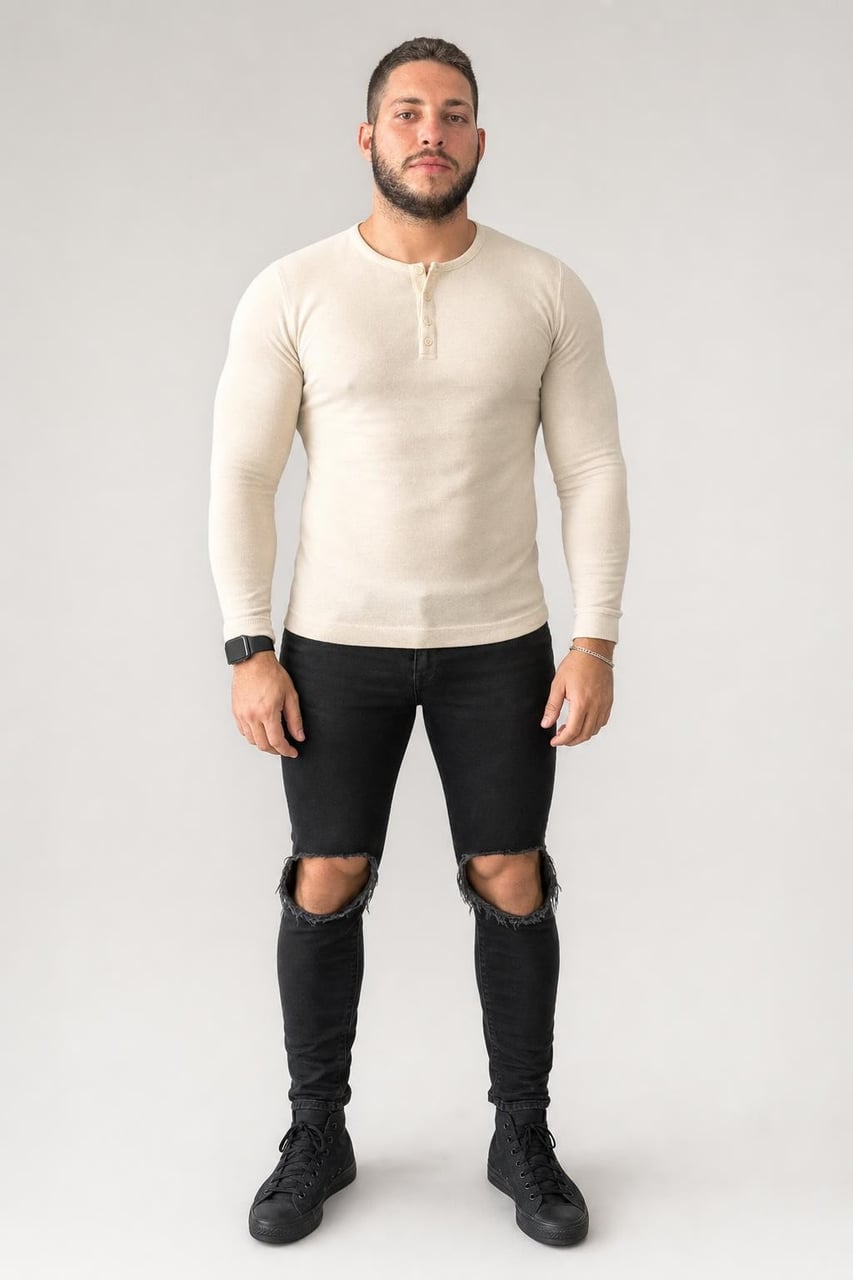
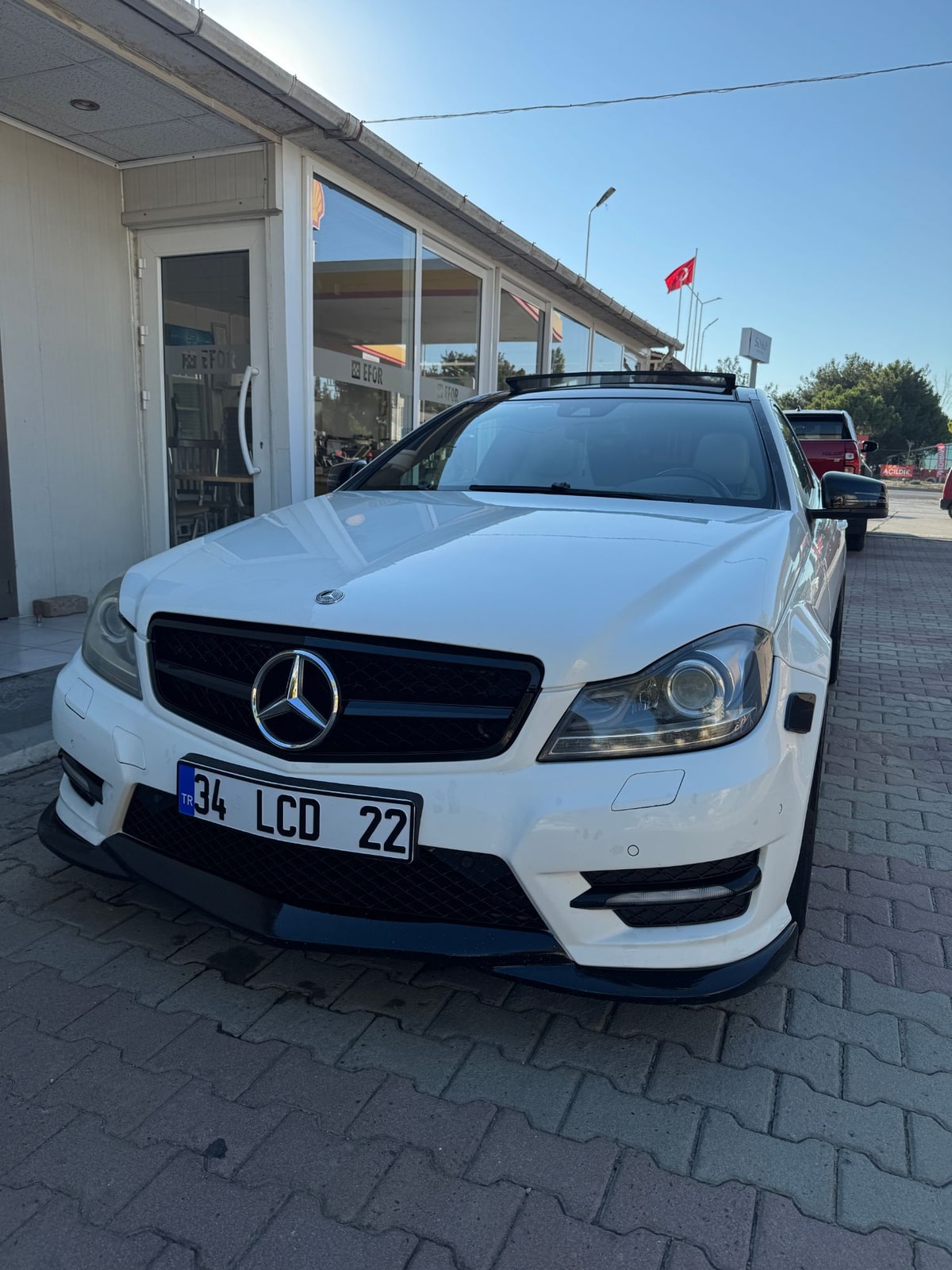
The entrance: Finger snap, Dirt shower.
Watch the car-jump reference. Decide whether you want a calm finger-snap finish or a more chaotic dirt-shower ending.
Pick a clear photo of yourself and a front-facing photo of the car. Simple backgrounds help keep the subject and vehicle easy to identify.
Open Pricing and confirm the included template, credit requirement, resolution, duration and audio options before choosing a plan.
When you have a finished video, check the face, vehicle details and landing motion. Use the vertical format for Reels, Shorts or TikTok.
Flying Entrance is an AI Car Jump Video idea: a person sits facing the camera while a car jumps over a bump and lands behind the chair. The calm pose and dramatic background motion create the contrast.
The scene starts in a golden field with a person seated in a black camp chair. A car rises into the air behind them, passes through a slow-motion arc and lands in a cloud of dust. A finger snap or a dirt shower can finish the scene.
Choose a clear photo of yourself and a front-facing photo of your car. Open Pricing to compare plans and check the included templates and output settings before choosing a plan.
Check Pricing for current credit packs and subscriptions. Confirm that the car-jump effect, video length, resolution and sound you want are included before purchasing.
Use one well-lit photo of yourself, preferably with your full body visible, and one clear photo of the car from the front. Avoid crowded backgrounds, heavy filters and objects covering your face. Only use photos you have permission to use.
AI results can vary in faces, car details, motion and lighting. The reference shows the scene idea, rather than a guarantee of identical output. Check the finished video before sharing it.
The reference is about 12 seconds long and uses a vertical 9:16 frame. Check the selected plan and template for the available output length, resolution and audio settings.
A vertical 9:16 video suits TikTok, Instagram Reels and YouTube Shorts. Review the final file and follow the platform’s rules for labeling AI-generated content.
You can browse the reference and compare plans in your browser on a phone, tablet or computer. This page does not require an app installation.
This page presents the Flying Entrance reference and photo guidance. The plan buttons open Pricing; they do not upload photos, start a render or deduct credits.
Check the applicable plan terms and the rights for every photo, person, vehicle mark and audio element in your video before commercial use.
Find another scene for your next video idea.
Two photos. A flying car. A scene that makes people look twice.
View credit plans