Create your Burning Bridges video

Upload a photo → Generate → Download

One person, clear face, good lighting.

JPG, PNG or WebP · Max 8MB

Photo tips

15s · 720P · 16:9

100 credits per videoBalance: —
Generate video

Use only photos you have permission to use.
Terms · Privacy

ONE PARTY. DIFFERENT POSSIBILITIES.

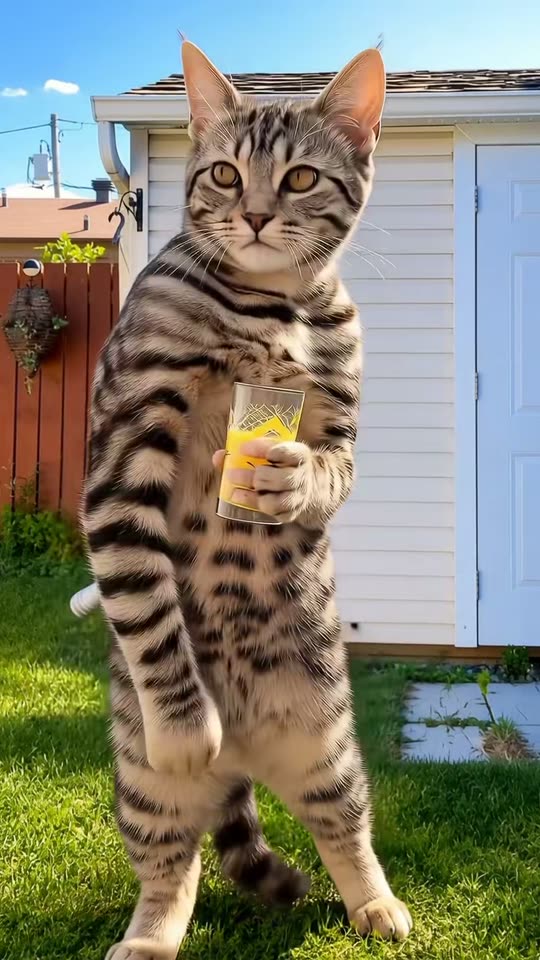
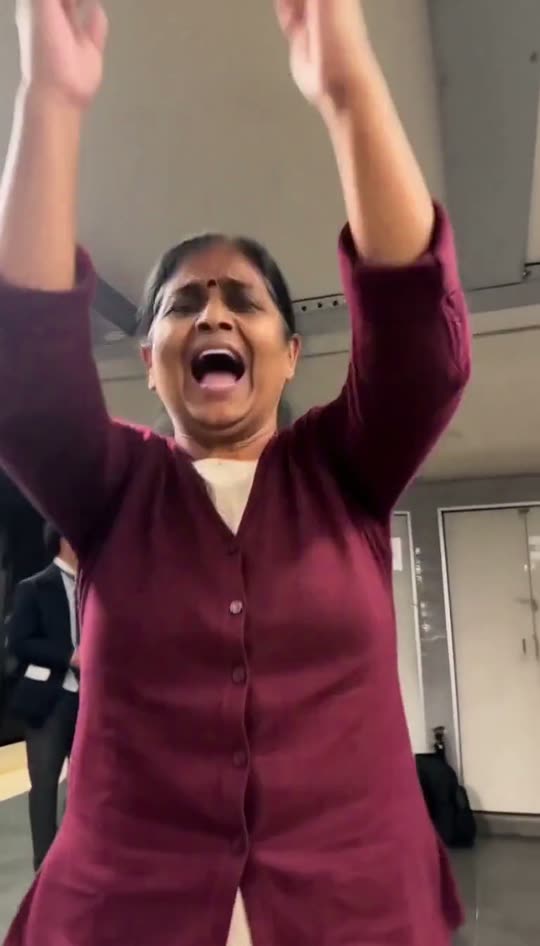
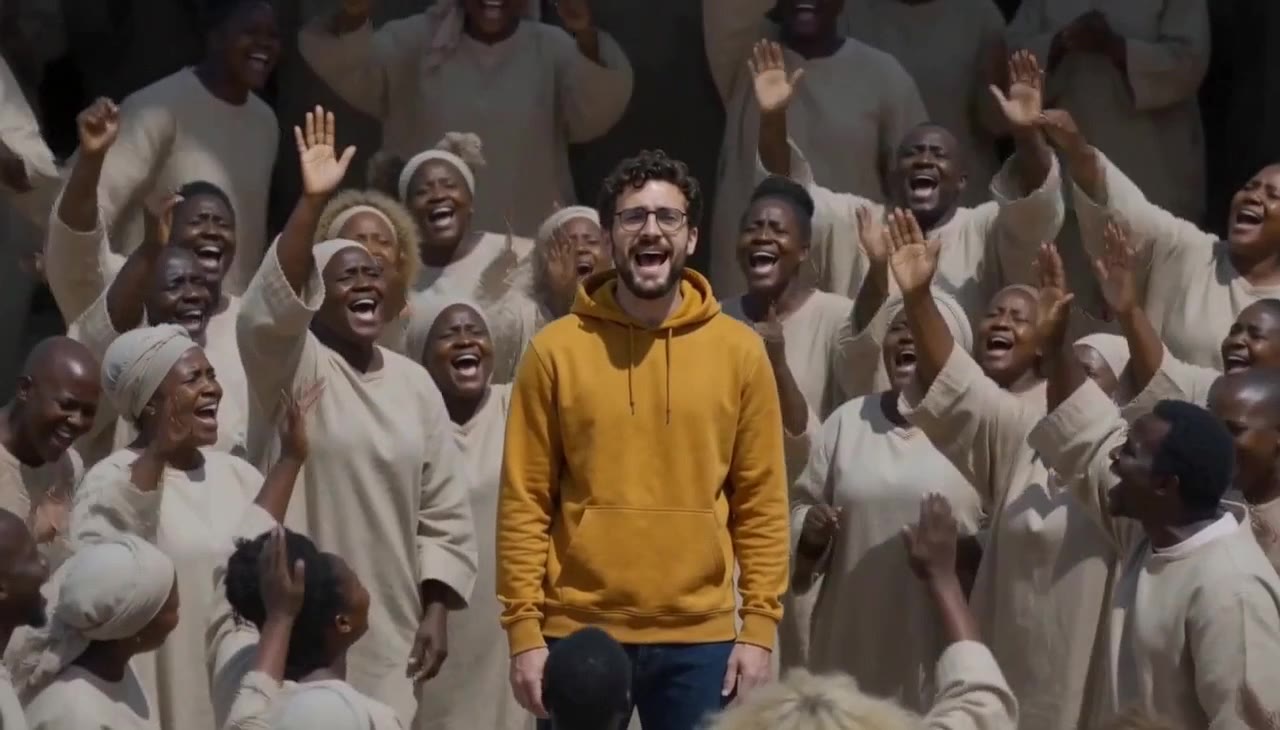
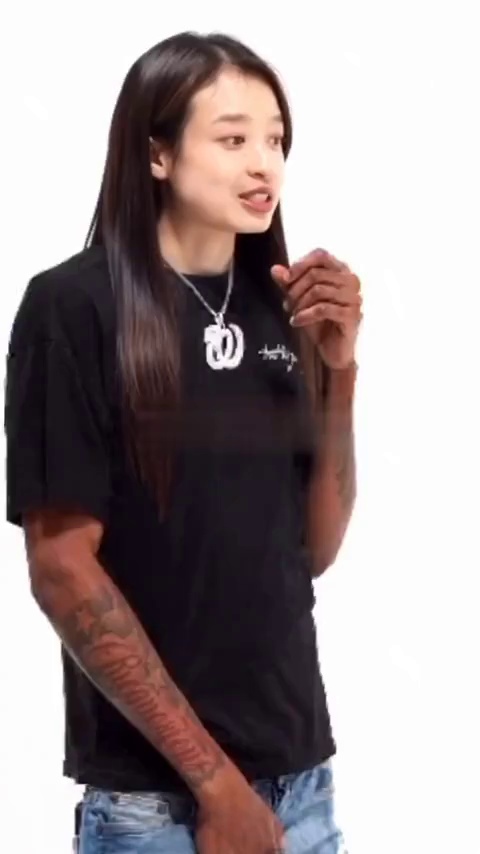
Explore personal and character versions of the trend. These reference clips show creative ideas; your result will vary.

Template preview

Burning Bridges Party

The prepared party performance: follow the lead, the metal cup and the moving camera.

Generate video

Choose a reference below, or press play to watch the template. Sound starts muted; the Lounge reference has no audio track.

FROM PHOTO TO PERFORMANCE

A face, a scene, a moment to share

See what your photo brings to the video and what the prepared template provides.

01 / THE PERSON

Your portrait, center stage

Choose one clear face with even lighting. Your photo provides the identity reference for the lead performer.

Our current template supplies a black hat, dark jacket and olive green shirt. A reference clip’s outfit is inspiration, not a selectable wardrobe.

Choose a useful portrait →
02 / THE PERFORMANCE

The party is already set

The prepared template guides the room, gestures and camera movement. No written prompt is needed.

This is a single-photo workflow. The people behind the lead are part of the scene; there are no separate background casting controls.

See the four steps →
03 / THE SOUND

Watch it with sound

Preview the reference soundtrack, then check both picture and sound in your completed video.

Use the player’s sound control when you are ready to listen. Check close-ups, hands and mouth movement before downloading.

What to check in the result →
Four steps

Make Your Burning Bridges Video in Four Steps

Select a permitted photo, sign in and buy credits only if needed, generate your video, then review and download the result.

1

Upload One Photo

Upload one clear permitted image under 8MB. Inspect the photo preview and keep the face and upper body clearly visible; the template supplies the outfit.

2

Sign In and Buy Credits

Sign in and choose a monthly plan or one-time pack. If you already have enough credits, continue without buying again.

3

Generate Your Video

Click Generate Video and follow the task status while the prepared template is rendered.

4

Download Your Video

When it is ready, check the picture and sound, then download your video.

What to Check in an AI Video Result

Watch the whole result before using it. Check picture, identity and sound together; examples show creative directions rather than a measured success rate.

Face and identity

Watch the whole clip, especially close-ups and overlaps. Check whether the person stays recognizable as the camera moves.

Hands and occlusion

Pause where a hand, cup or another person passes across the face or body. Look for distorted shapes or sudden appearance changes.

Mouth and sound

Listen with sound on. Check whether audio is present and whether mouth movement matches it.

Clothing and framing

Check visible outfits, fine details and the edges of the frame. A higher resolution alone does not prove a better likeness or more natural motion.

Choose Your Credit Plan

Compare monthly plans and one-time credit packs. Check the credits included, validity and job estimate before authorizing a purchase.

1 Video 100 credits
$9.90 $5.90

100 credits: 1 generation at 720P, 16:9.

  • One-time credit pack
  • Credits returned for confirmed failed tasks
  • Credits valid for 30 days
2 Videos 200 credits
$19.90 $13.90

200 credits: 2 generations at 720P, 16:9.

  • One-time credit pack
  • Credits returned for confirmed failed tasks
  • Credits valid for 30 days
5 Videos 500 credits
$49.90 $29.90

500 credits: 5 generations at 720P, 16:9.

  • One-time credit pack
  • Credits returned for confirmed failed tasks
  • Credits valid for 90 days

Compare monthly plans and one-time credit packs. Check the credits included, validity and job estimate before authorizing a purchase.

A Prepared Template, Not a Blank Canvas

The Burning Bridges party performance gives a portrait-based video idea a recognizable setting, movement and soundtrack.

Use a clear personal portrait or a permitted character image with one unobstructed face. The prepared template supplies the outfit, room and performance.

Upload your permitted photo, sign in and generate with the fixed template. Follow the task status, then watch the complete result with sound before downloading; outcomes can vary between portraits.

Explore video ideas across music, dance, football and stories. Choose a scene, prepare your photos and follow its creation guide.

Music & Performance

Dance & Memes

  • Gas Station Dance AIPhoto preparation

    Plan a dance, selfie and car-exit sequence with solo or trio casting and local photo previews.

  • Cheba Man AI Dance MakerRed-stage dance

    Explore the original red-stage dance and an AI face-swap reference, preview your portrait and check video generation plans.

  • Babydoll Dance AI VideoTrio dance reference

    Watch the trio two-step reference and prepare a center portrait with two optional friends using local photo previews.

  • Alors on Danse AI Video GeneratorTwo-person duet

    Watch three duet references and preview portraits for the keyboard player and laptop partner on your device.

  • AI Smalltown BoyTwo-character dance

    Explore Smalltown Boy AI video references and prepare two portraits with local photo previews.

  • Toc Toc Trend 路 Toc Toc DanceToc Toc Dance

    Explore the toc toc trend, watch the dance references and prepare one portrait for the living-room scene.

  • Thriller Dance AI Video MakerZombie dance reference

    Watch two zombie street-dance references, preview your photo and read the Thriller dance video guide.

  • I Feel Like Nicole AI Video MakerCooler-cam reference

    Explore the cooler-cam I Feel Like Nicole sequence, watch references and preview one full-body portrait locally.

  • Rumpelstiltskin AI Video MakerBarn-dance references

    Explore Rumpelstiltskin tiptoeing in my Jordans references, prepare a portrait and compare meme tutorials and free editing options.

  • STORM II AI Video MakerFormation references

    Explore six crowd formations, preview a portrait and follow the STORM II video prompt guide.

  • Nicole Kidman Dance AI Video MakerSolo & duo dance references

    Compare solo and duo dance references, prepare photos locally and read the step-by-step motion guide.

  • Firestarter AI Dance MakerNeon dance references

    Explore two neon dance references, preview one portrait and plan a short performance with the how-to guide.

  • Bby Wow Guy AI Video MakerParty-dance remix

    Compare the party performance and AI remixes, prepare a portrait and follow the photo-to-video guide.

  • Dança AI retrô · Baile charme IAUma foto · Baile charme

    Crie sua versão de dança AI retrô com uma foto e o clima de um baile de rua.

  • You Can Make It Cap AI Video MakerOne photo · Studio reaction

    Watch the studio reaction, choose one portrait and prepare your Make It Clap AI video.

  • Missed Train Dance AI Video MakerOne photo · Platform dance

    Watch the missed-train scene and prepare a photo for your platform dance.

  • The Jawn AI Dance Video MakerPerson or pet · One photo

    Watch the wait-for-the-drop dance and prepare a photo of a person or pet.

  • First Time in a Fancy Cafe AI Video MakerFirst-timer · Optional regular

    Explore the tiny-table cafe POV and choose one or two photos for the scene.

Sports & Football

  • Ozil Goal AI VideoFootball scene

    Explore the goalkeeper flick, a pause past the defenders and the finish. Prepare a full-body photo for your football video idea.

Pets & Stories

  • Zombie Pet AI VideoPet story

    A pet in a dark cabin, a leap into open arms and a memory in a golden field. Choose photos for both characters.

  • It's My Life Dog AI Video MakerSinging pet · One photo

    Watch the singing car dog pause, put on sunglasses and join the chorus again. Compare dog and cat clips, then choose a pet photo for the passenger seat.

Stories & Romance

  • Zombie Love Story AITwo-person story

    Follow the cabin-to-hug story, preview two cast photos on your device and check video plans.

Cinematic & Cars

  • Flying Entrance 路 AI Car Jump VideoCar jump effect

    Explore the cinematic car-jump reference, compare two source photos and prepare your Flying Entrance idea.

  • Halloween Costume AI MakerCostume reveal reference

    Explore two Halloween costume transformation references, preview your photo locally and check video generation plans.

  • Ghostface AI Video MakerHorror scene reference

    Explore two horror phone-call references, inspect the scene and preview a portrait on your device.

  • Window Peeper AI Video MakerCaught at the Window

    Explore the caught-at-the-window scene, prepare one portrait and follow the curtain-reaction guide.

  • Angel of My Dreams AI Video MakerOne photo · Angel wings

    Watch angel-wings reveals and prepare a portrait for your video idea.

Browse all video references →

Frequently Asked Questions

Common questions about the Burning Bridges AI video generator.

Questions about photos, settings or credits? Read the answers below or contact support.

A Burning Bridges AI video is a character edit based on a prepared party performance. A portrait provides an appearance reference; the template describes the scene, movement and sound. AI interpretation can change details, so review a result before sharing it.

Plan Your Burning Bridges Video

Choose a clear photo, compare the reference clips and review a plan that suits your video idea.

Generate video

What is the Drake Burning Bridges AI video trend?

The theme comes from the party performance associated with Drake’s “Burning Bridges” music video. AI versions change the lead while drawing on recognizable gestures, a crowded room and camera movement. Different tools may recreate a scene or use a permitted video as a motion reference.

To put yourself at the center of the party, explore the Drake Burning Bridges AI template and photo guide. Learn what the Drake Burning Bridges AI trend is, or follow how to make a Burning Bridges AI video from your photo for the steps from upload to download.

Is this an official Drake website?

No. This is an independent AI video website. It is not affiliated with or endorsed by Drake. The artist and song names identify the creative theme.

How can I make a Drake Burning Bridges AI video?

Select one clear portrait you have permission to use, sign in and use credits, then generate with the fixed party template. Current output is 720P, 16:9 at 100 credits per generation. Review the picture and sound before downloading.

Before your first party clip

Prepare a clear portrait and watch the party references. The prompt guide is optional; this generator does not require a written prompt.