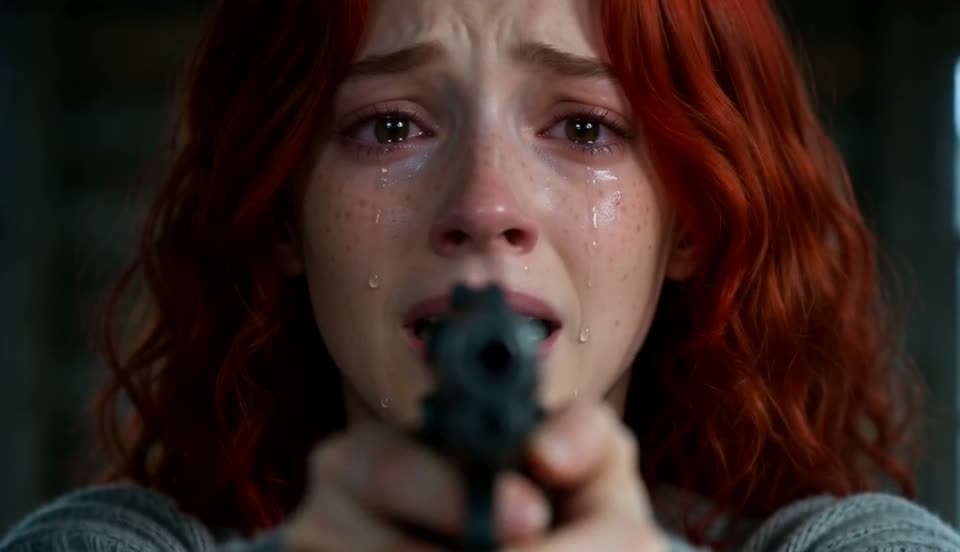
 01 / THE CABIN
A familiar face in the dark
In a dim cabin, the person faces a pet that has changed. The animal edges closer across the floor.
 Burning Bridges AI VideoView credit plans
 This page provides references and scene planning. Credit plans currently cover the Burning Bridges party template: one photo, 15 seconds, 720P, 16:9 and 100 credits per video. Buying credits does not select or generate this scene.
Your pet has turned. You lower the gun. A jump across the cabin becomes a memory of the two of you in a golden field.
One portrait of you. One photo of your dog or cat.
A front-facing portrait with the face well lit.
One dog or cat, with the whole head in frame.
JPG, PNG or WebP · Up to 8 MB each. Photos stay in this browser preview.
View credit plans Compare plans and included templatesFour scenes carry the pet from the cabin into a memory.
01 / THE CABINIn a dim cabin, the person faces a pet that has changed. The animal edges closer across the floor.
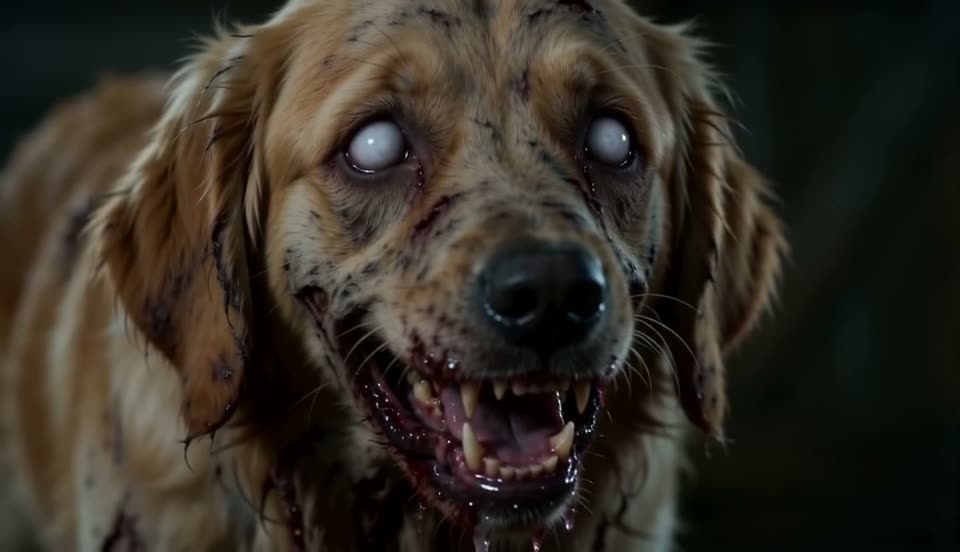 02 / THE CLOSE-UP
Clouded eyes and rough fur give the pet its zombie look. The close-up holds long enough for the change to register.
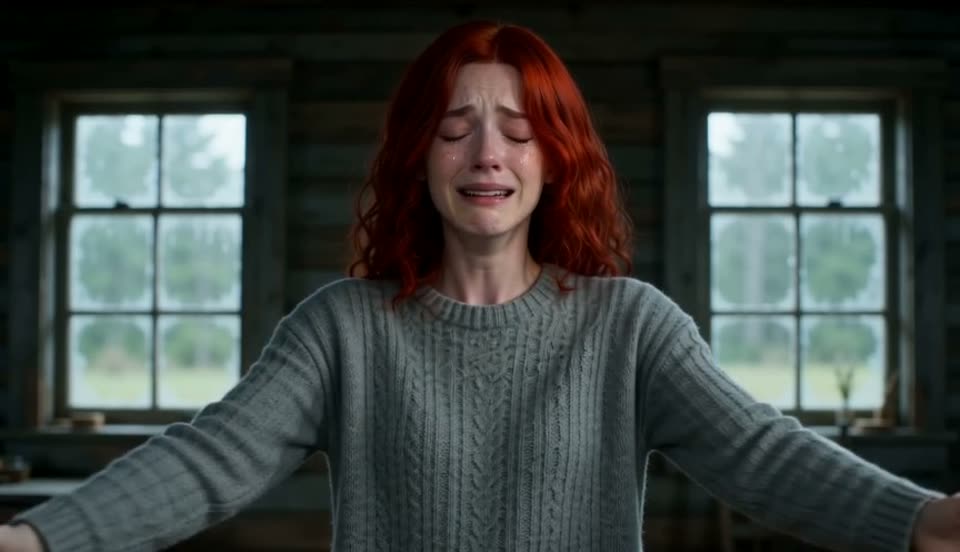 03 / THE LEAP
The person lowers the gun. The pet runs forward and jumps, turning a tense moment into a familiar greeting.
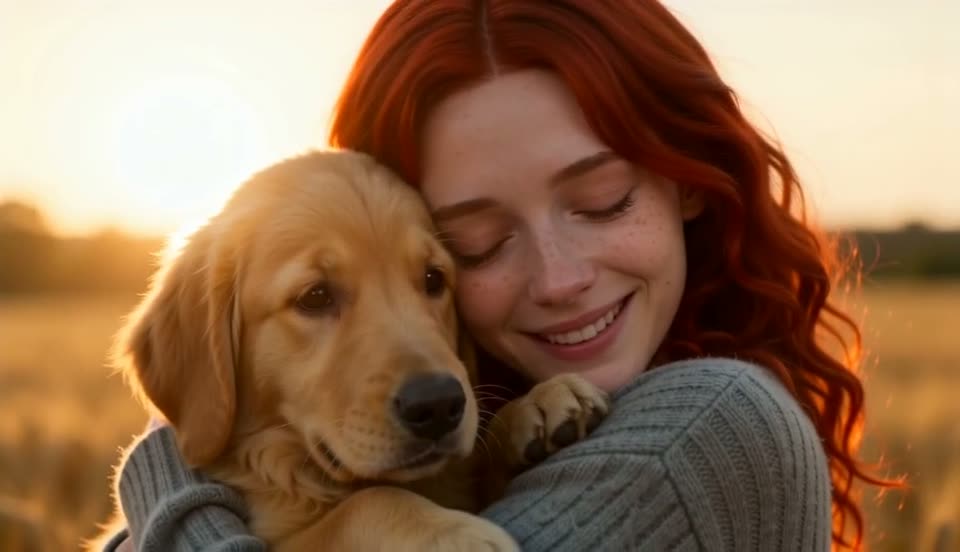 04 / THE MEMORY
The same jump continues in a field at sunset. The healthy pet lands in its owner’s arms.
Use a clear photo with your face turned toward the camera. Skip sunglasses and heavy shadows.
Keep the ears and whole face visible. Daylight makes coat colour and markings easier to see.
Compare plans on Pricing. Check the included template and output settings before checkout.
Try a different scene or browse all projects.
Photos, story details and plans.
A short fictional story about a person and their pet. It starts in a dark cabin with a zombie animal, then cuts to a warm memory of the healthy pet jumping into its owner’s arms.
Yes. Both dogs and cats fit the story. Choose a photo with the whole head visible so the ears, coat pattern and face are easy to see.
Use one animal in daylight, facing the camera. Keep the ears inside the frame and remove anything covering the face. A simple background makes the pet easier to distinguish.
Choose a clear, front-facing portrait with even light. Keep the face unobstructed and use a photo of yourself or someone who agreed to appear.
The cabin scenes use the zombie look. The final scene shows the healthy pet in a sunlit field, which gives the story its change in mood.
Use one pet for this two-character scene. A group photo makes it harder to tell which animal should take the second role.
Pricing lists credit packs and subscriptions. Check the included template, output settings and credit cost before choosing a plan.
No. The two photo previews stay on this page in your browser. Opening Pricing does not upload them or start a video job.
Pick your photos and compare AI video plans.
View credit plans