The knee lift
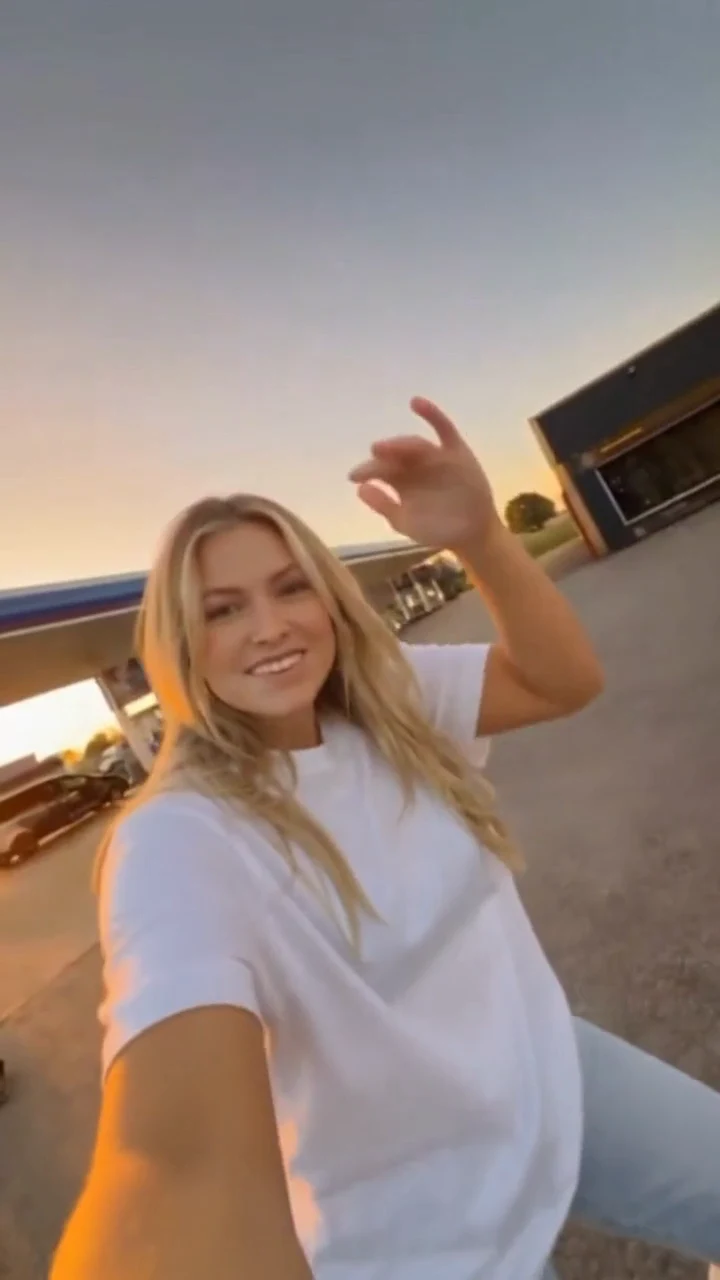
Watch the dancer lift a knee while keeping both arms extended. Notice how the upper body balances the movement.
DANCE & MEMES · VIDEO EXAMPLE
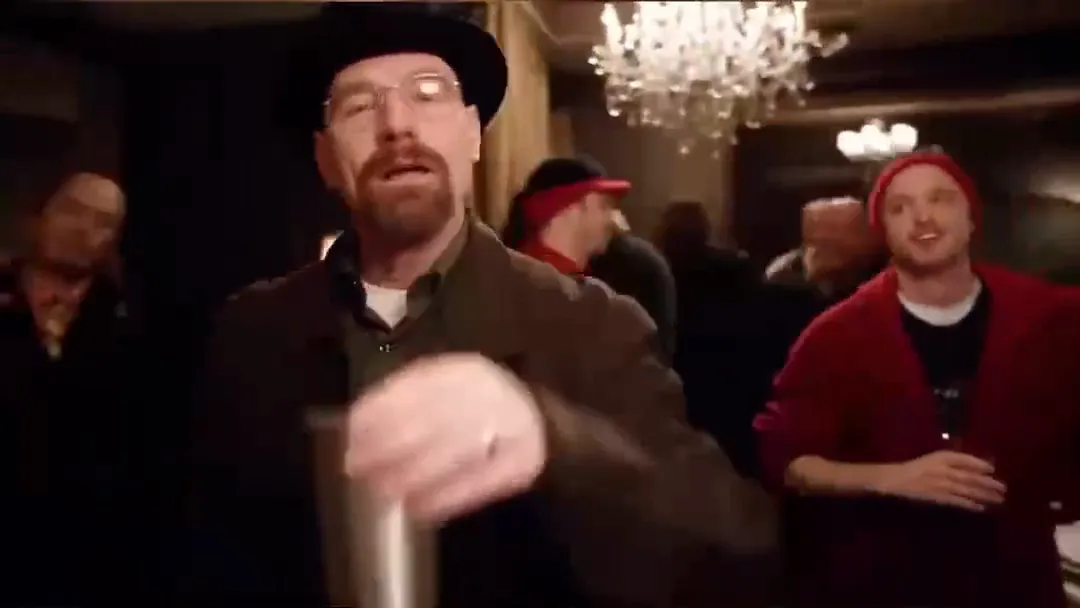
A knee lift, arms held out, and a bounce on the beat. Explore the living-room dance through two video examples, then choose a portrait for your own idea.
Photos selected here stay on your device. This page helps you plan a scene; it does not submit a Toc Toc generation task.
Use the player controls to play or unmute the reference.
THE MOVEMENT
Use the references to plan the pose, setting and framing. Follow our how to make a Toc Toc AI dance video guide for photo, reference and prompt steps.
Watch the dancer lift a knee while keeping both arms extended. Notice how the upper body balances the movement.
Follow the small bounce between lifts. Play the clips with sound to compare the movement with the rhythm.
The full-body view leaves space around the dancer. Keep the face, outfit and shoes visible when planning your photo.
PHOTO PREPARATION
Preview a photo beside the dance references. Choose a well-lit image with one person and an unobstructed face.
JPG, PNG or WebP
Up to 8 MB
Your photo stays in this tab and clears when you reload or close it.
Select a photo to preview it on your device.
BEFORE YOU START
About the references, your portrait and the available plans.
The reference clips show a living-room dance built around a knee lift, arms held out and a bounce on the beat. Watch both examples to compare the movement and framing.
Watch the two dance references and preview a portrait on your device. Selecting a photo does not create or submit a video generation task.
Choose one clear, well-lit photo with a visible face. A full-body photo is useful when planning the outfit and shoes. JPG, PNG and WebP files up to 8 MB are supported.
No. The photo preview stays in this browser tab. Removing the photo, reloading the page or closing the tab clears it.
No. Current credit plans cover the Burning Bridges party template. Buying a plan does not select or generate the Toc Toc scene.
Use the video player controls to turn sound on. Both reference clips start muted. For your own edit, use audio you have permission to use.
BURNING BRIDGES PLANS
Current plans cover the Burning Bridges party video: one photo, 15 seconds, 720P and 16:9. Purchasing credits does not generate the Toc Toc scene.