
Choose a readable portrait
Use a single person facing the camera. Include the hair, shoulders and enough of the outfit to guide the appearance.
Start with one clear portrait. Keep the face, hairstyle and outfit easy to see.
Choose a photo to preview it here. It stays on this device.
Use an evenly lit portrait with one person. A wider crop gives the video more information about the shoulders, sleeves and outfit.
Compare the reference pose before continuing. Keep the hands and face clear, and review the current plans before you create.
Generate videoView pricing and credit plans.
One performance, different appearances
Watch how the lead changes while the party setting and gestures remain recognizable. Use the source portraits to compare face shape, hair and clothing.
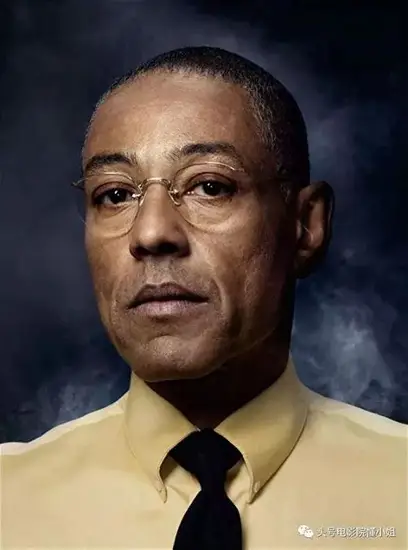
A different face and outfit in the same party setting.
Photo and video:
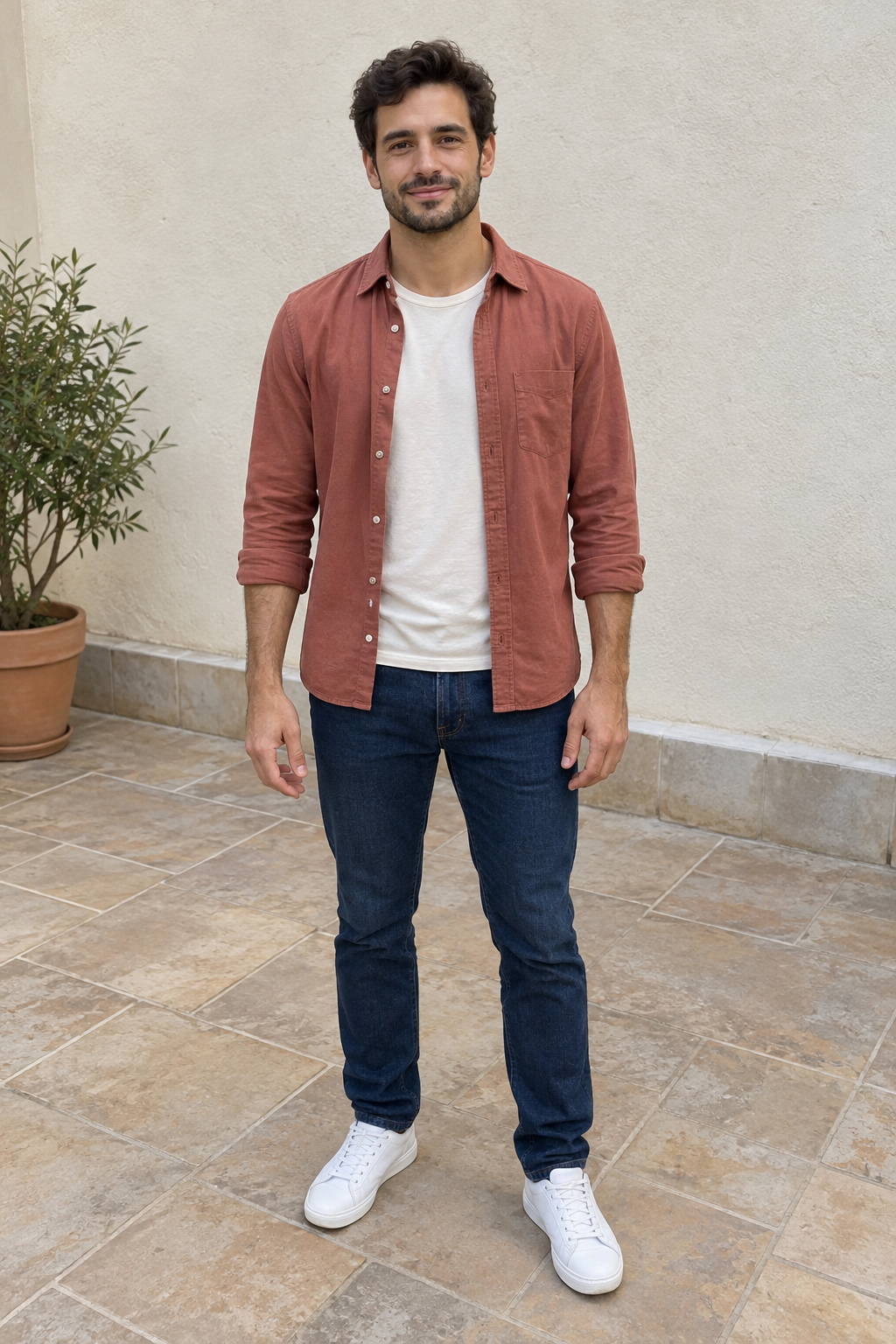
Compare the source portrait with the brown-shirt performer.
Photo and video:
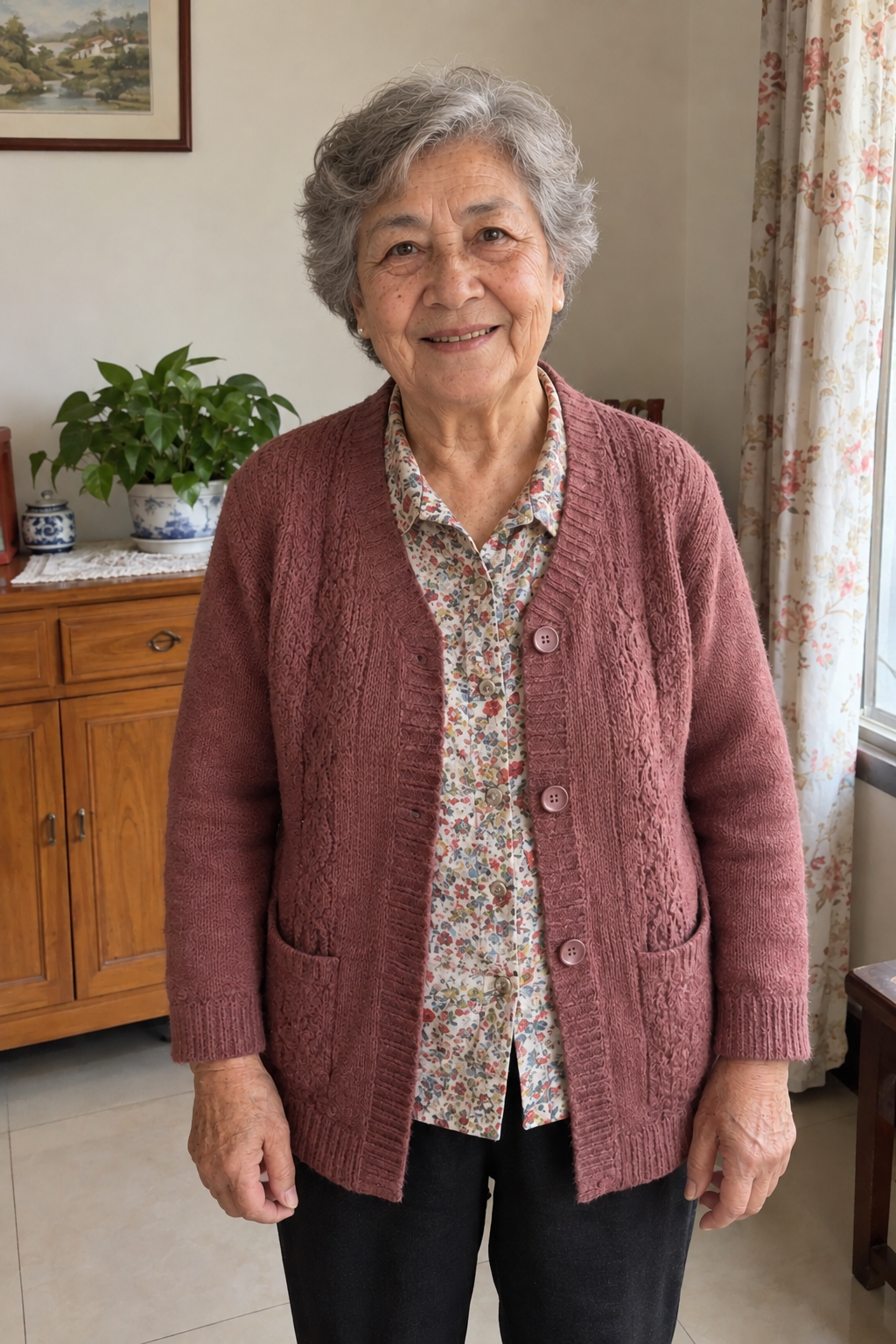
Watch the face and hair as the performer changes pose.
Photo and video:
From portrait to party
Use a single person facing the camera. Include the hair, shoulders and enough of the outfit to guide the appearance.
Watch the original beside the remix. Notice the bent arm, forward lean and room around the moving hands.
Review the plans and creation settings. Check the full clip for identity, hands, clothing and timing before sharing.
Use even light and a sharp face. Avoid sunglasses, a covered face, heavy filters and a group photo. A tight selfie gives less information about the body and clothing.
Play through the entire gesture. Look for changes around the eyes, fingertips, sleeves and background guests, then check the sound in your exported edit.
It is a photo-based remix of the party performance shown in the reference clips. A different lead appearance is combined with a related sequence of poses and gestures.
Choose one sharp JPG, PNG or WebP up to 10 MB. Keep the face, hair and upper body visible, with room around the arms. Use a photo you have permission to animate.
Compare the reference clips, choose your portrait and select Generate video to review pricing and credit plans. Check the creation details before confirming a generation.
A face swap replaces a face in existing footage. A photo-to-video remix can reinterpret hair, clothing and the body as well. Compare the whole performer, not just the face.
You can watch the references and prepare your portrait without buying credits. Review the current pricing and any stated trial terms for video generation and downloads.
The photo area on this page displays your selection in your browser. Selecting, replacing or removing it here does not upload it.
Choose a portrait and review the current video plans.
Generate video