
Prepare your portrait
Choose one sharp photo with a visible face and room around the body. Use the photo area above to compare the crop.
Add one sharp portrait. Check the face, outfit and space around both arms before moving on.
Choose a photo to preview it here. It stays on this device.
Use one person or an original character you have permission to animate. A waist-up or full-body photo gives you more detail to work with than a tight selfie.
Before continuing, check three things: a clear face, hands inside the frame and an outfit you can recognize in the result.
Follow the photo-to-video steps →
Generate videoView pricing and credit plans.
Compare style and movement
Use the animated clip for the gestures, the neon AI examples for the look, and the live-action comparison for body movement. Watch the complete clips before choosing your direction.
Warm edge lighting and a dark outfit create a strong silhouette.
A pale outfit stands out against a vivid purple backdrop.
A split-screen reference for comparing the animated gestures with a dancer’s movement.
comparison · Animation and live action
Build a stronger starting image
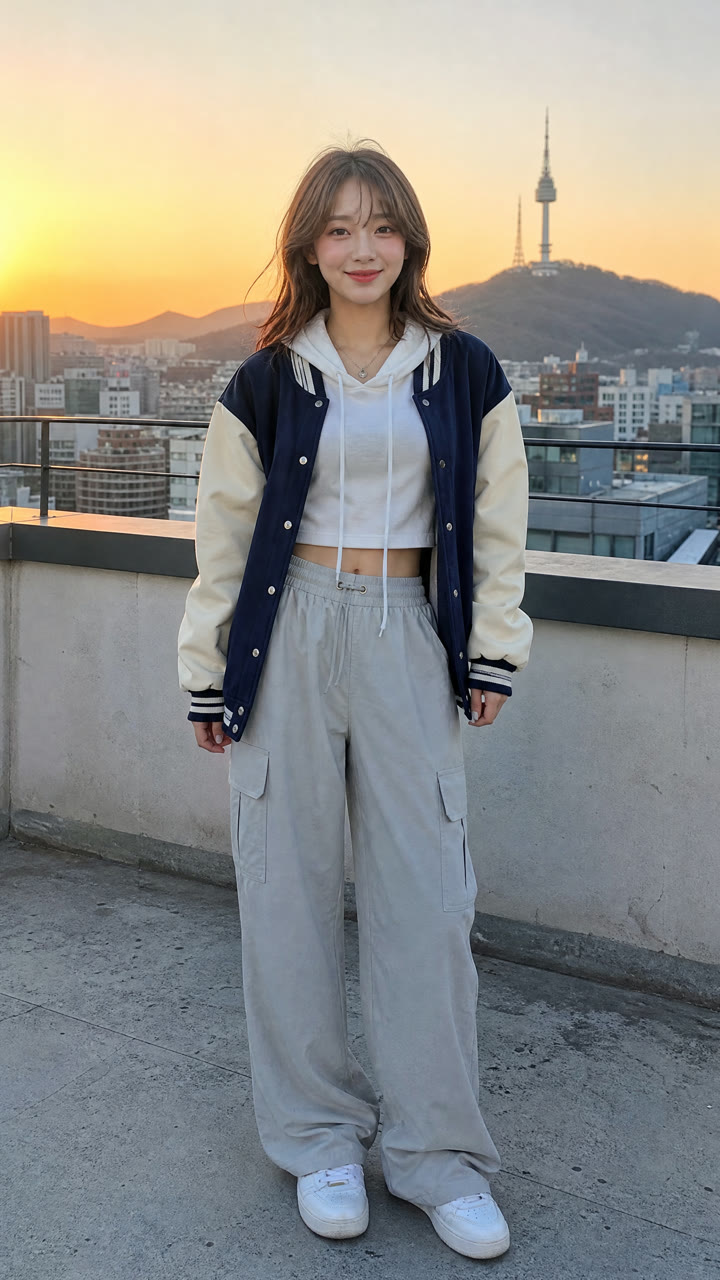
Leave space beside the body and above the head. An expressive pose can lose its impact if the hands leave the frame or merge into clothing.
Your photo, the right workflow
Prepare the portrait, compare a movement reference and review the creation details. Keep the steps separate so you can make one clear decision at a time.
Choose one sharp photo with a visible face and room around the body. Use the photo area above to compare the crop.
Watch the animated and neon examples. Decide whether the pose, arm gestures or full-body sequence matter most to your version.
Check the creation settings and credit details before confirming. Review the full result for face detail, hands and framing.
Watch the face through a turn, the space around the arms and the position of the feet. Compare these details at normal speed and in a paused frame.
Watch the examples, choose a photo and work through the guide. For generation and downloads, compare the current allowance, output and export terms.
See preparation, generation and download costs →Choose one clear portrait, compare the Firestarter references and review the creation settings and credit details. After generation, inspect the face, hands and full crop before downloading and sharing.
You can select one JPG, PNG or WebP up to 10 MB in the photo area. Use a wider portrait when the dance shows arms or legs; a tight selfie has less detail about the outfit and body.
Your selected photo stays in your browser. You can replace or remove it at any time.
Choose a sharp portrait from your photo library and check the face, shoulders and arms in the preview. A waist-up or full-body photo is a useful starting point for the dance.
Check whether the allowance covers the dance mode you want, how many attempts it includes, and whether you can download the result. Video length, resolution and watermark rules can differ between offers.
Add audio you have permission to use in your video editor or through the posting platform’s music library. Align the strongest arm gesture with the beat and listen to the exported clip before posting.
No. Burning Bridges is independent of K/DA and Riot Games.
Choose your portrait and movement reference, then review the current creation details and credit plans.
Generate video ↗View pricing and credit plans.