
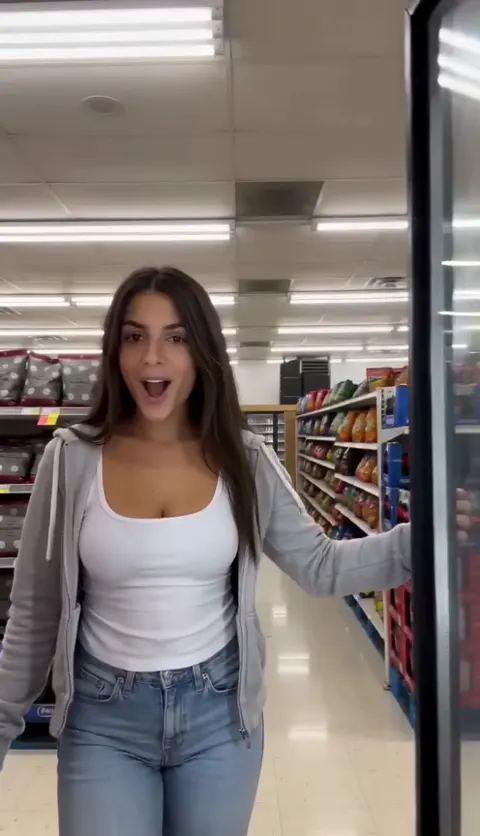
01 · Open the cooler door
The cooler door opens and frames the performer.
Choose one performer with a clear face and visible outfit. Leave room for the hands, door opening and aisle turn.
Choose a photo to preview it here. It stays on this device.
A front-facing full-body photo helps you plan the cooler-cam scene. Keep the face clear and the background simple.
Watch the face as the performer changes distance. Keep the hand, pink can and door distinct, and check that the exit follows the aisle.
Follow the I Feel Like Nicole steps →
Generate videoWatch the cooler-cam sequence
Compare the two cooler-cam examples and the sequence they share.
Inside the cooler-cam scene
The cooler door opens and frames the performer.
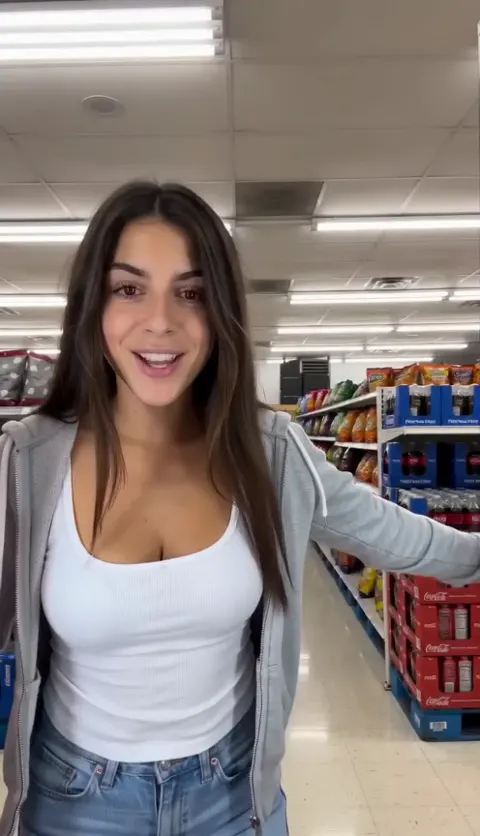
The performer lip-syncs close to the lens.
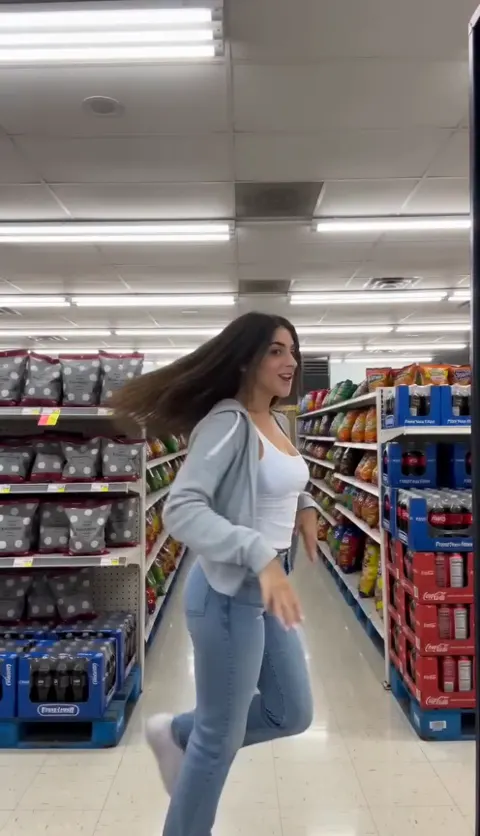
The performer turns and moves through the aisle.
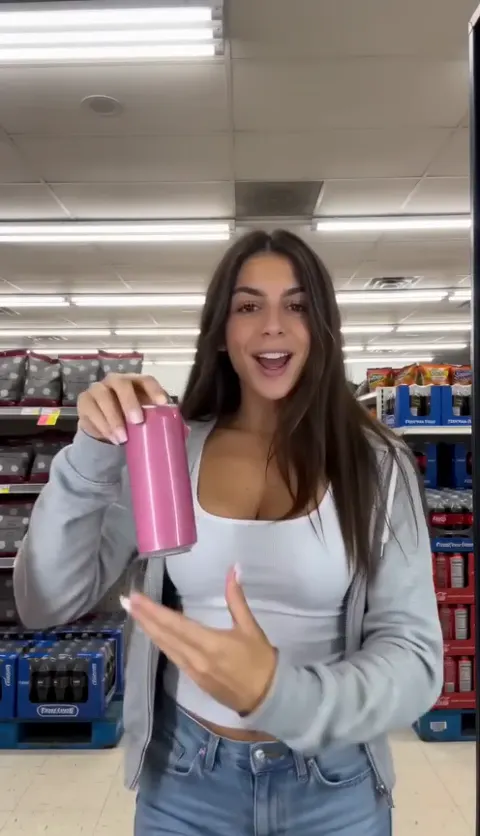
The performer reaches back for a pink drink can.
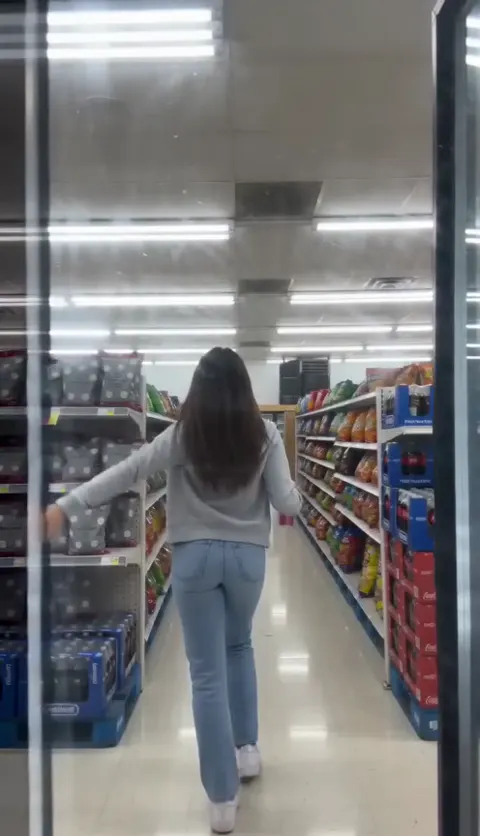
The performer closes the cooler door and walks away.
Follow our how to make an I Feel Like Nicole AI video guide for photo tips, a starting prompt and common fixes.
Use a sharp image of one person facing the camera. A head-to-toe view leaves room for the cooler-cam motion.
Watch the door, lip-sync, aisle turn, pink can and exit. Use the clips as creative references.
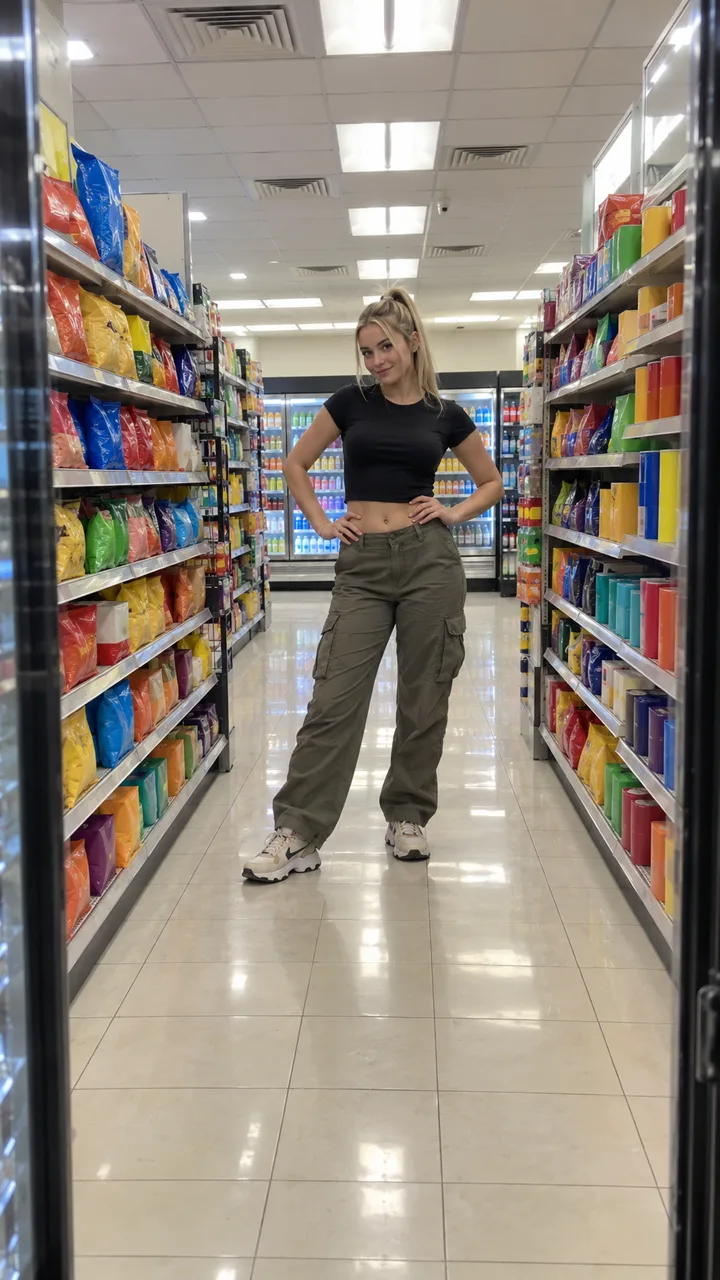
Photo tips
Face the camera in soft, even light. Leave space around your head and avoid sunglasses, face coverings or a group of people.
Use a clear photo of yourself or someone who has agreed to appear.
Preview your photo ↑It is a cooler-cam reference sequence: the performer opens the door, lip-syncs to camera, turns through the aisle, takes a pink can, closes the door and walks away.
Choose one person facing the camera with a clearly visible face and even lighting. A full-body image leaves room for the door, hands and aisle turn. Use a JPG, PNG or WebP up to 10 MB.
No. The preview stays on your device. You can replace or remove it without uploading a photo, starting a generation job or spending credits.
Use the player controls to listen to the audio. Check the final picture, sound and publishing permissions before sharing.
The clips use a portrait format suited to viewing on a phone. Review the video settings and output specifications on Pricing before purchasing credits.
This page follows one performer through a cooler-door opening, aisle turn, pink-can action and exit. The Nicole Kidman Dance collection focuses on full-body solo or duo routines in other settings. See the Nicole Kidman Dance scene.
Follow the cooler-cam sequence tutorial →
Check preparation, generation and download terms →
Looking for a full-body solo or duo dance in a red room, living room or subway?
Go to Nicole Kidman Dance →
Your next video idea
Explore the references, prepare your photo and check available video plans.
View Burning Bridges plansMore inspiration: Zombie Love Story → Cheba Man →