
Choose the layout
Use one clear group image or individual role portraits. Start with the lead and add the other band members if you want.
Choose a group image or give each role its own portrait. Use photos you have permission to animate.
Choose a clear group photo to preview it here. It stays on this device.
Use a photo with five or fewer adults. Check that each face is sharp, forward-facing and large enough to recognize.
Plan the roles from left to right: lead, keyboard, sax, then the two backing singers. For more control over the portraits, switch to A photo each.
Start with your lead. Add up to four optional band portraits, each in the role you want to plan.
Choose the lead photo to continue. The other four photos are optional.
Check the faces, clothing and role labels, then review the current video plans.
Generate videoView pricing and credit plans.
Follow the performance
Look at the whole band first, then the face and hands when the camera gets closer.
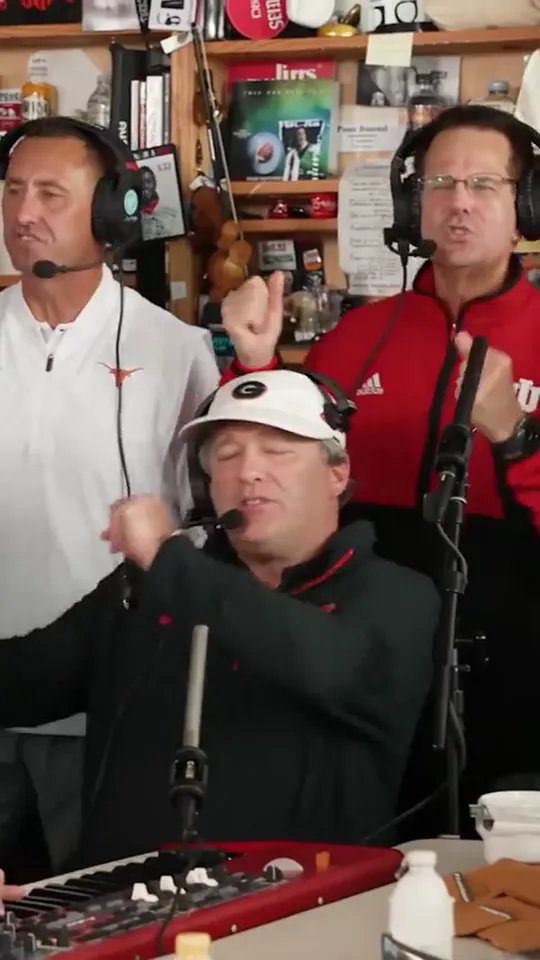
Keys, microphones and backing voices share a crowded frame.
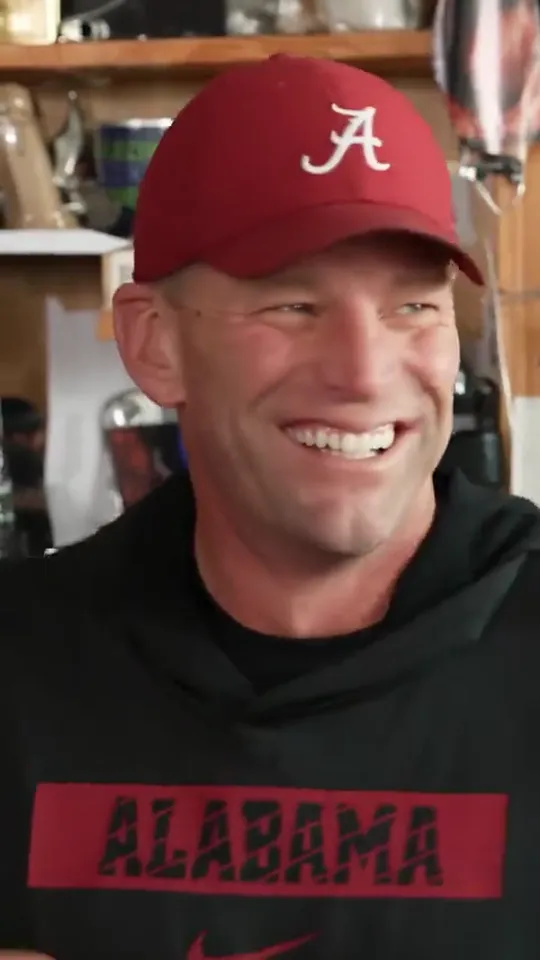
The camera makes the lead face the center of attention.
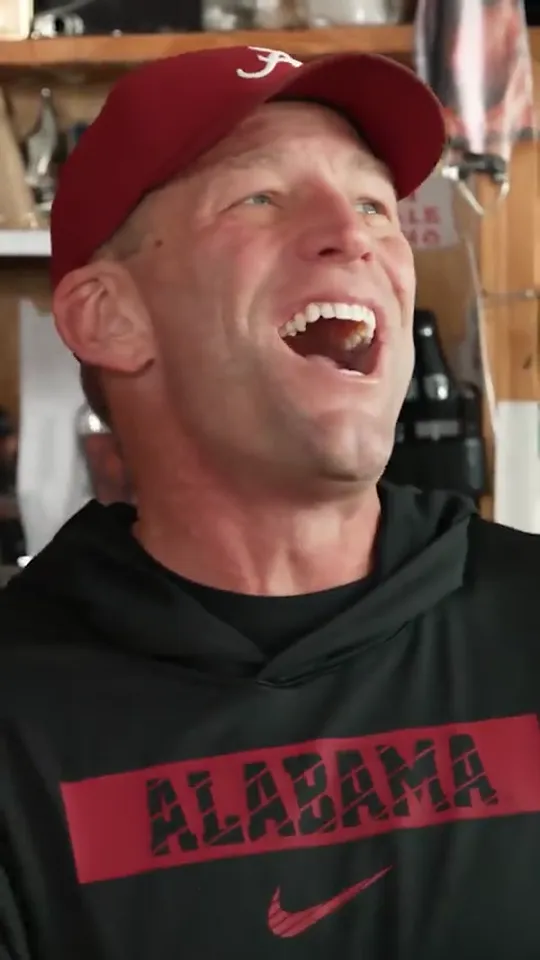
A broad expression and moving hand give the portrait a harder test.
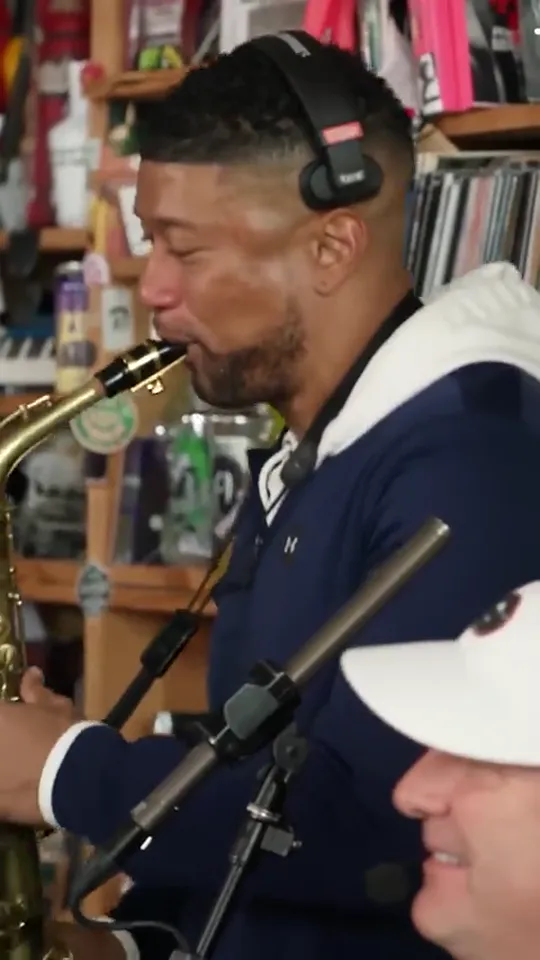
The instrument and hands become the detail to inspect.
Different lineups, familiar stage
Compare the performance and the cast across these examples.
Compare the band lineup and the instrument close-up.
Watch how familiar faces change the joke while the set stays recognizable.
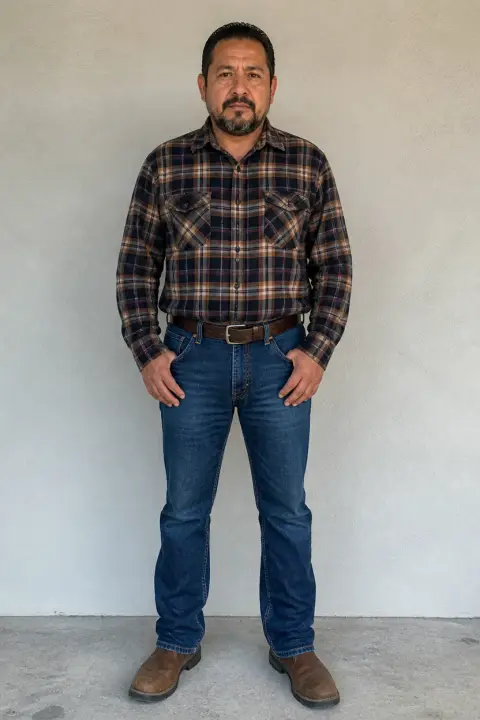
The close-up makes a sharp, unobstructed face especially useful. Show the hair and shoulders, and use a wider portrait when the outfit matters.
Use one clear group image or individual role portraits. Start with the lead and add the other band members if you want.
Review the active photo mode and required image, then use Generate video to compare the current plans.
Watch the face, the keyboard hands and the sax close-up. Check the final sound and frame before sharing it as an AI parody.
It is a band-performance AI parody with a desk-side concert setting, a lead close-up and instrument roles associated with the Outstanding reference.
Yes. Choose One group photo and select a clear image of up to five adults. Check every face and plan the role order before continuing.
No. In A photo each mode, the lead portrait is required and the keyboard, saxophone and two backing-singer photos are optional.
The Hero button takes you to the photo workspace. After a valid group image or lead portrait is selected in the active mode, the workspace button opens the pricing page.
Choose JPG, PNG or WebP images up to 10 MB. Use clear, permitted portraits with visible faces and enough of the upper body to understand the clothing.
You can watch the references and prepare the photos without buying credits. Review current generation and download terms for any stated trial or free allowance.
No. This is an independent AI-parody workflow, not an official NPR performance.