
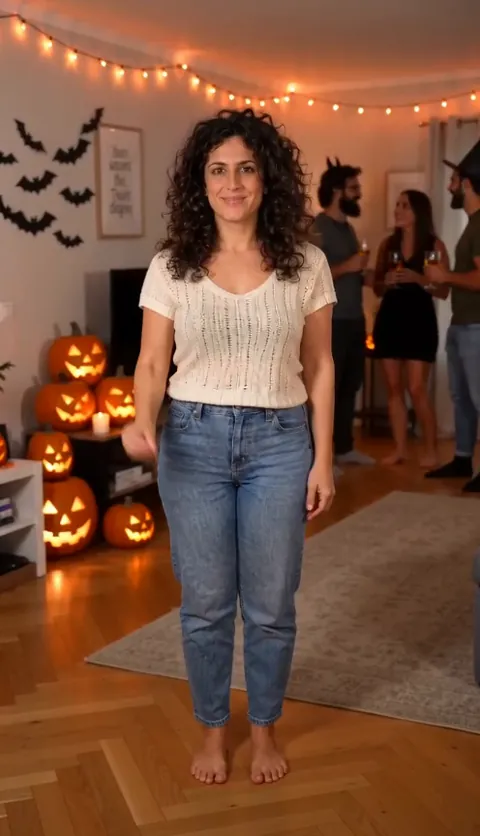
01 · The starting look
A familiar outfit sets up the contrast.
Choose one clear photo with your starting outfit visible. Leave space above the head for a hat and beside the body for the reveal gesture.
Choose a photo to preview it here. It stays on this device.
A front-facing photo with your whole outfit visible helps you imagine the transformation. Keep your eyes uncovered and the background simple.
Face: recognize the same person before and after the change. Outfit: keep the starting clothes and final costume easy to distinguish.
Follow the Halloween Costume steps →
Generate videoWatch the transformation
Compare two party looks and the moment each outfit changes.
Inside the scene
A familiar outfit sets up the contrast.
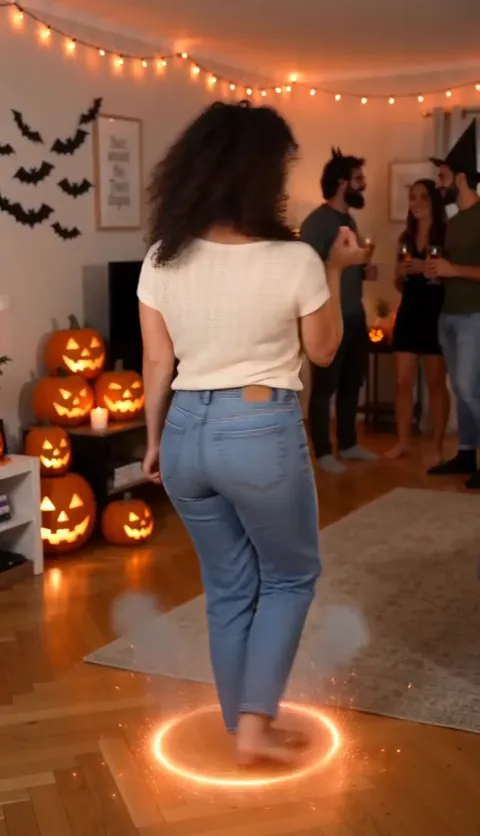
A finger snap signals the change.
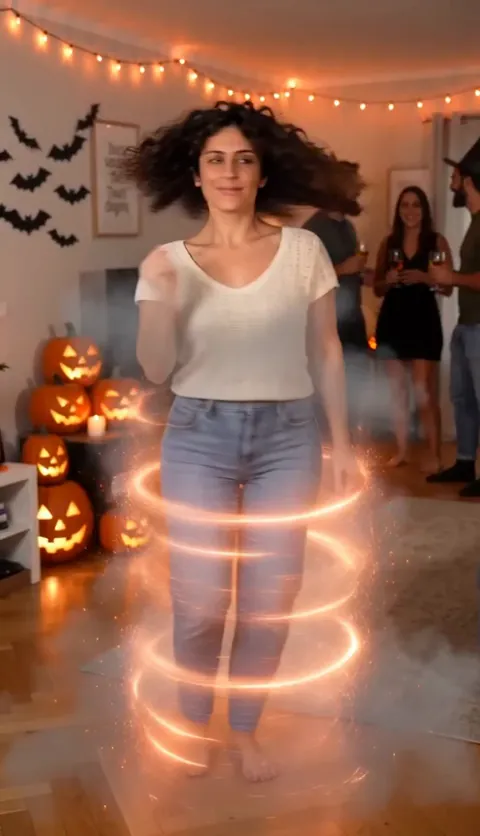
Spinning movement blends with orange sparks and smoke.
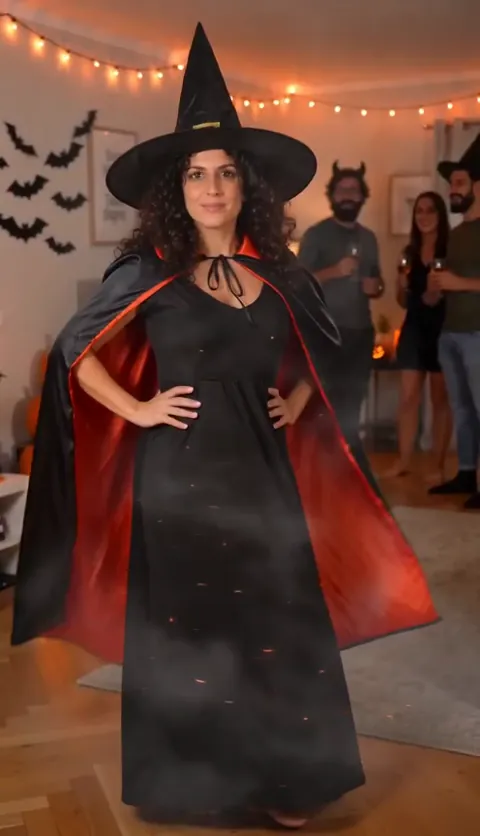
The witch hat, dark dress and cape come into view.
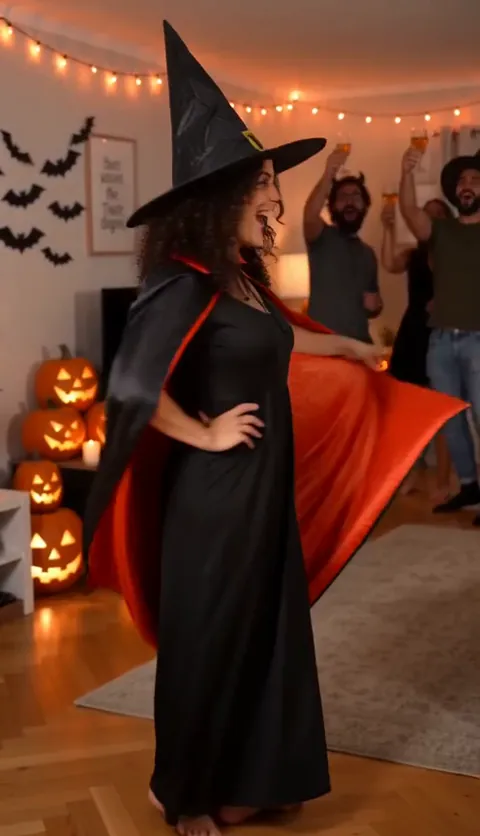
A final cape flourish completes the party moment.
Follow our how to make a Halloween costume AI video guide for photo tips, a starting prompt and common fixes.
Use a sharp image of one person in everyday clothes. A head-to-toe view gives the outfit room in the frame.
Watch how the gesture, turn and glowing effects lead into the reveal. Use the clips as creative references.
Check the selected scene, photo requirements, output and credit details before continuing. Review the whole result before saving it.
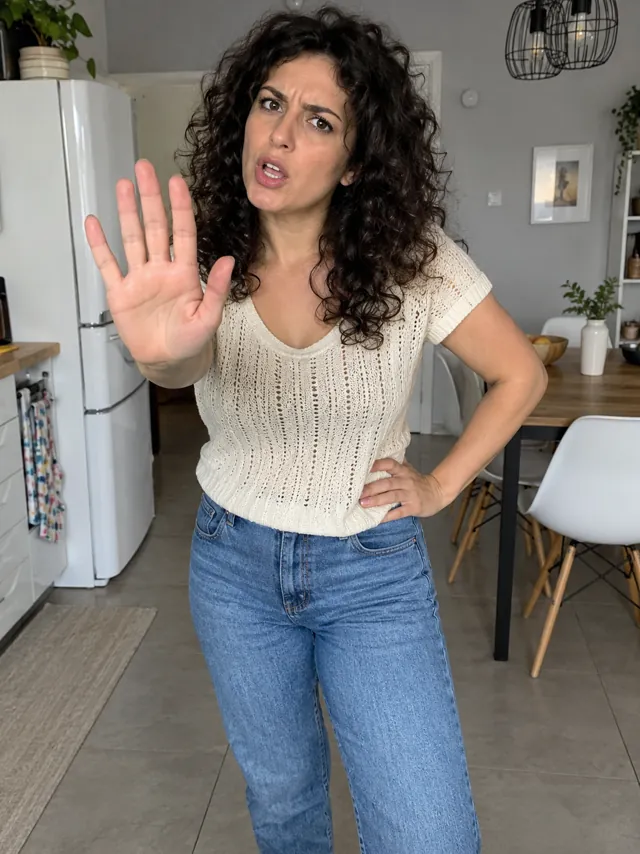
Photo tips
Face the camera in soft, even light. Leave space around your head and avoid sunglasses, face coverings or a group of people.
Use a clear photo of yourself or someone who has agreed to appear.
Preview your photo ↑It is a costume-reveal video concept: an everyday outfit changes into a witch look through a snap, a spin and a burst of glowing effects. Watch the clips here to explore the transition.
Choose one person facing the camera with a clearly visible face and even lighting. A full-body image helps you plan the before-and-after outfit. Use a JPG, PNG or WebP up to 10 MB.
No. The preview stays on your device. You can replace or remove it without uploading a photo, starting a generation job or spending credits.
Use the player controls to listen to the audio. Check the final picture, sound and publishing permissions before sharing.
The clips use a portrait format suited to viewing on a phone. Review the video settings and output specifications on Pricing before purchasing credits.
Check the face before and after the reveal, the fingers during the gesture, and the hat and clothing edges in the final pose.
Your next video idea
Explore the references, prepare your photo and check available video plans.
View Burning Bridges plansMore inspiration: Zombie Love Story → Cheba Man →