
 01
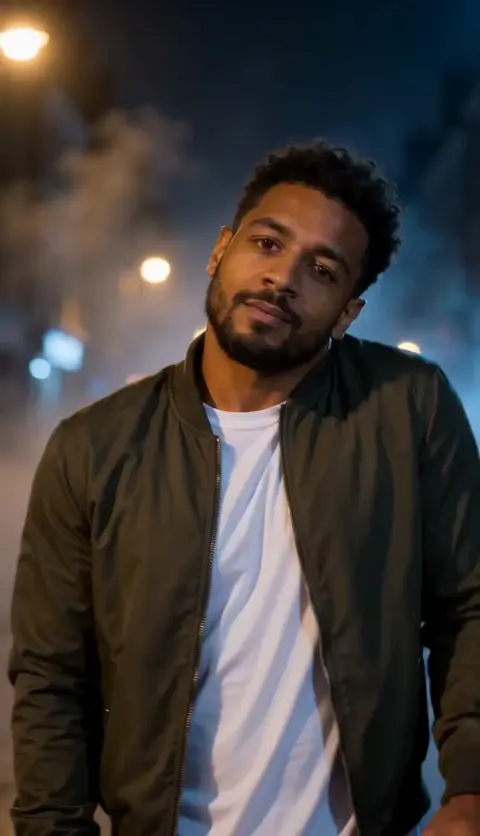
The opening portrait
A still face establishes the lead before the dance begins.
Choose one person with a clear face and visible outfit. A wider crop gives the arms and legs room for the dance.
Choose a photo to preview it here. It stays on this device.
Your zombie dance video idea
Lead dancer: keep the face clear against the crowd. Footwork: inspect contact with the ground and changes of direction.
Follow the Thriller Dance steps →
Generate videoCheck video options on Pricing before buying.
Watch the movement
Compare two outfits in the same nighttime dance setting.
Read the choreography
01A still face establishes the lead before the dance begins.
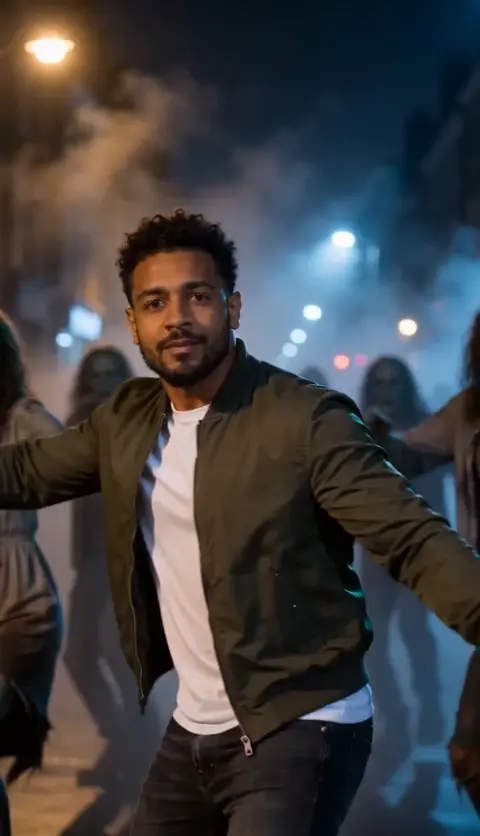 02
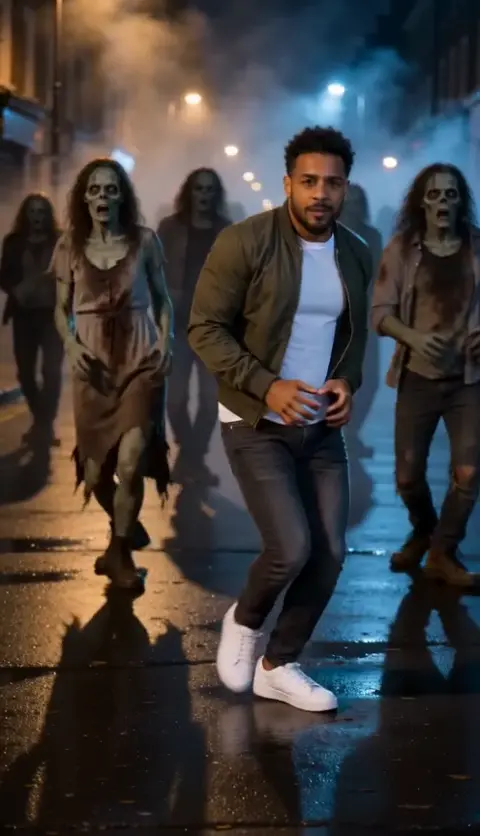
A wider view reveals the dancers arranged behind the lead.
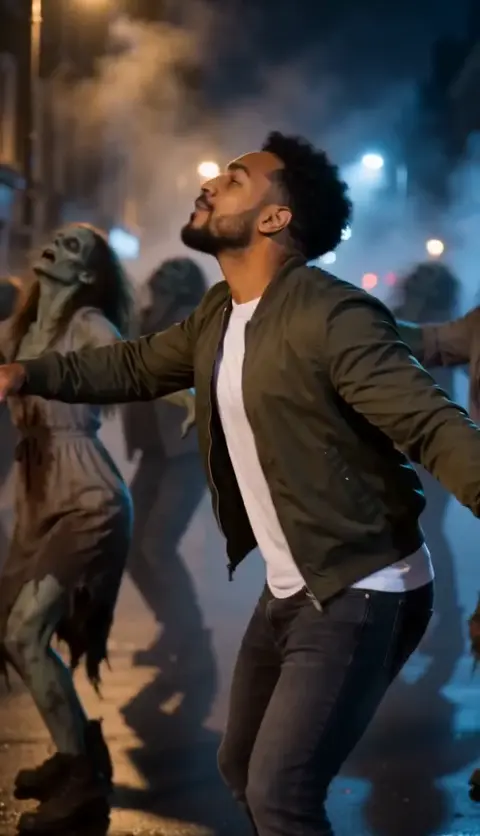 03
The lead and crowd punctuate the routine with a quick head movement.
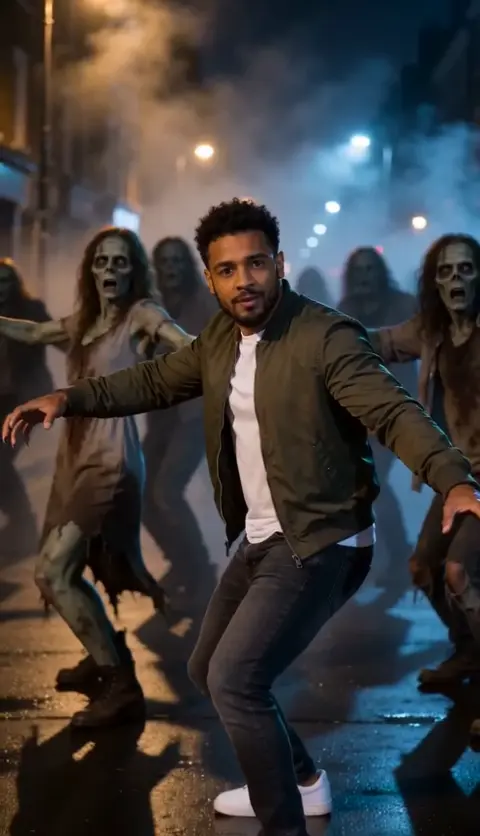 04
The choreography opens up, with space for the arms and legs.
 05
Raised hands and forward movement bring the group toward the camera.
Photo, motion and finishing
Choose a workflow, prepare a full-body scene and start with a short motion prompt. Our guide covers face consistency, footwork and audio checks.
Read the Thriller dance AI video tutorial →Prepare your idea
Use one clear person with an unobstructed face. Include the outfit and legs when possible so you can plan the full-body framing.
Watch the reference, then isolate a step or upper-body gesture. A short test is easier to judge than a crowded sequence of actions.
Check the selected scene, photo requirements, output and credit details before continuing. Review the whole result before saving it.
View Burning Bridges plans →A useful starting photo
The local selector displays your image; it does not animate the pose or test identity preservation. A custom image-to-video workflow may require a separate starting scene with the dancer, street and crowd already in place.
Use your own photo or an image you have permission to use. Keep the original for your chosen creation tool.
Common questions
It is a photo-led zombie dance concept with one main dancer and a group behind them. The references show a misty night street and a short coordinated routine.
Start with one person, visible eyes and a clear outfit. For a custom dance scene, leave room for the arms and legs. This local preview accepts JPG, PNG and WebP up to 10 MB.
This reference page does not promise the Thriller song or a license to use it. Check video options and audio terms before buying, and choose audio permitted for your intended post.
Watch the feet against the street, inspect hands during arm gestures, and make sure the lead dancer stays recognizable when the crowd moves.