
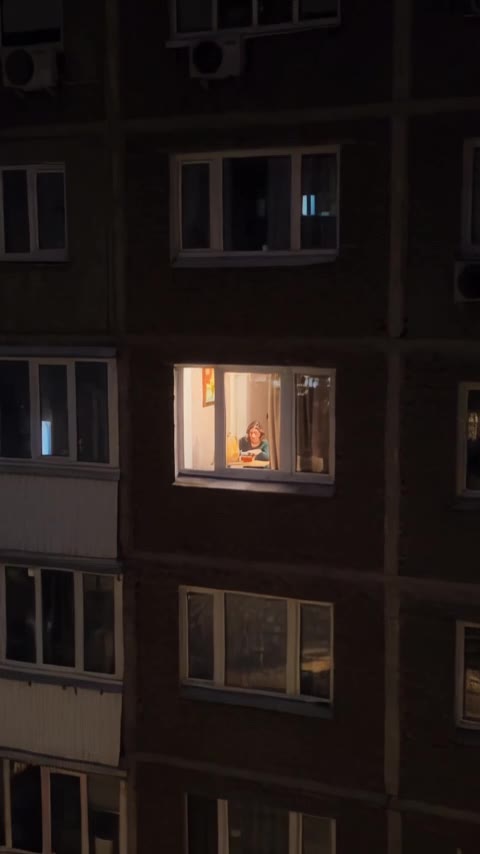
01 · The window establishes the scene
The outside view frames a person in a warmly lit room.
Choose one person with a clear face, visible shoulders and space around the head.
Choose a photo to preview it here. It stays on this device.
Use soft light and a simple background. The window frame and curtain should surround the person, not hide the face before the reaction.
After selecting your photo, Generate video opens the current plans. Review the selected scene and creation details before confirming a task.
Follow the Window Peeper steps →
Generate videoCaught at the Window
These stills come from the reference above. Follow the change in attention, rather than treating this as a dance or a face-filter effect.
The outside view frames a person in a warmly lit room.
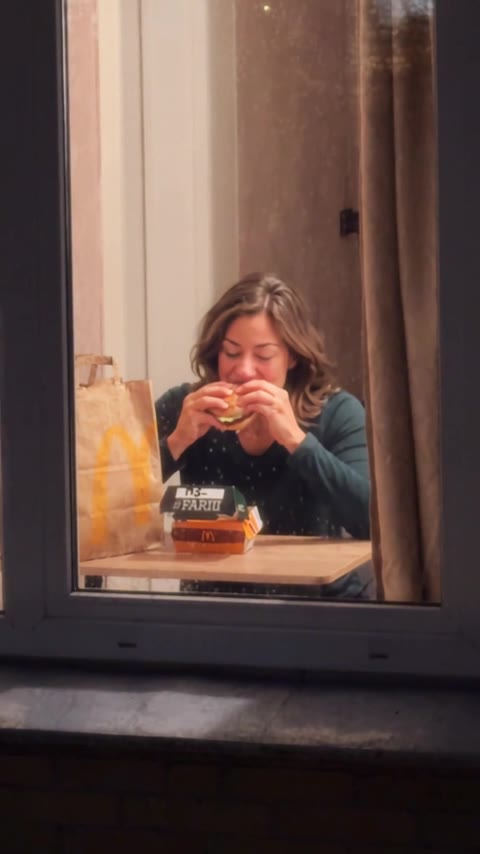
A closer view makes the private, everyday moment easier to read.
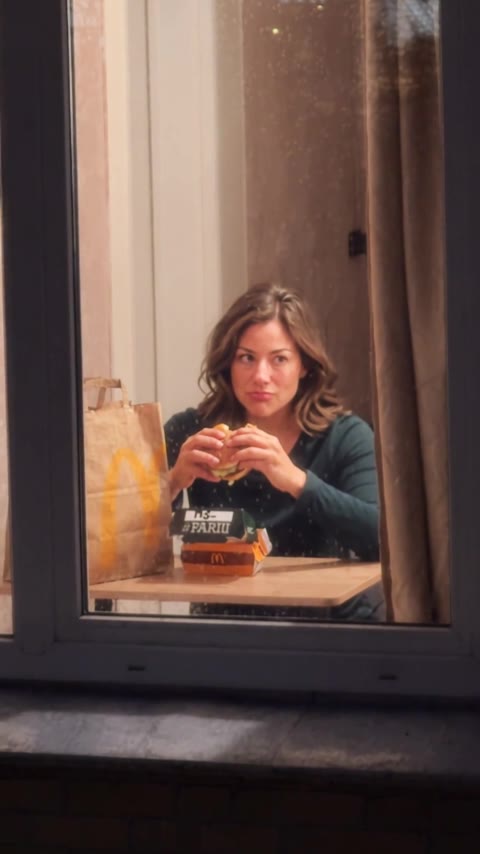
The glance toward the camera is the turning point.
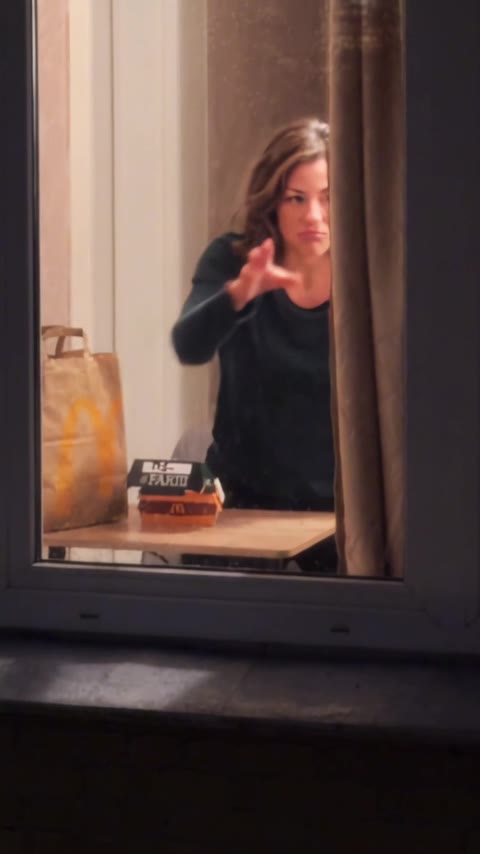
The closing curtain supplies the punchline and a clear ending.
Use a sharp photo of yourself or someone who has agreed to appear. Avoid sunglasses, heavy shadows and a group of faces.
Frame the window, approach, notice the camera and close the curtain. Extra characters and simultaneous actions make the story harder to follow.
Check the face, the window edges and the hand pulling the curtain. Judge the reaction at normal speed as well as paused.
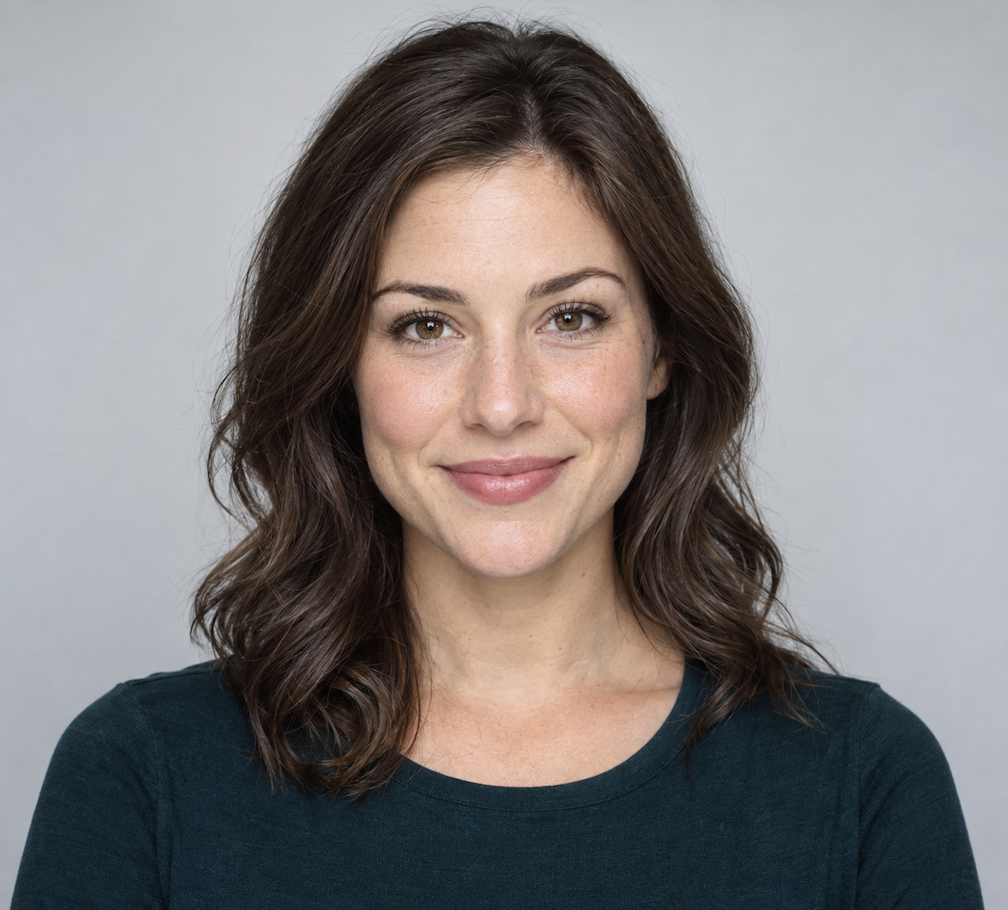
Photo preparation
Leave space around the hair and shoulders. A tight crop can remove useful detail; a tiny face in a distant group shot is also a poor starting point.
Use a clear photo you have permission to animate.
Choose your photo ↑It is a photo-to-video scene built around an outside view of a lit window: the person notices the camera and closes the curtain. Caught at the Window describes the same scene idea here.
Choose one person facing forward with clear eyes, even light and visible shoulders. The photo area accepts JPG, PNG and WebP up to 10 MB.
No. Selecting a photo displays a local preview. You can replace or remove it before continuing to the current plans.
Watching the reference and preparing a photo here are free. Check the chosen generation and download terms before confirming a task; free photo preparation is not a promise of free rendering.
Stage the scene with people who agree to appear. Use the window perspective as a fictional storytelling device, not as a reason to record unsuspecting people.