
GAS STATION DANCE · FREE OPTIONS
Can You Make a Gas Station Dance AI Video for Free?
Plan a gas station dance, selfie and car-exit edit with your own footage. Separate free editing and photo previews from a paid AI render.
By Burning Bridges AI Video · Updated
Can you make a Gas Station Dance video for free?
You can make an edited interpretation without purchasing an AI render. You get an edited performance with real people and a real stationary car. It does not generate a new dancer or replace a person automatically.
Watching the Gas Station Dance references and previewing your photos here are also free. Those activities do not produce a new moving clip. For the scene itself, start with the Gas Station Dance explanation.
Compare the outputs, not just the price
| Route | Input | Output | Limit |
|---|---|---|---|
| Your own filmed or staged edit | Footage and props you already have | A real edited interpretation | No automatic face replacement |
| Photo sequence or storyboard | Permitted stills or drawings | A scene and timing plan | No continuous generated action |
| External AI trial, if offered | The tool’s supported inputs | Only what that offer includes | Check credits, export and watermark first |
“Free” in the editing routes means no paid render is needed. Equipment, props and your time still matter. The trial row is conditional; it is not a verified free offer from a named generator.
Film the three scenes separately
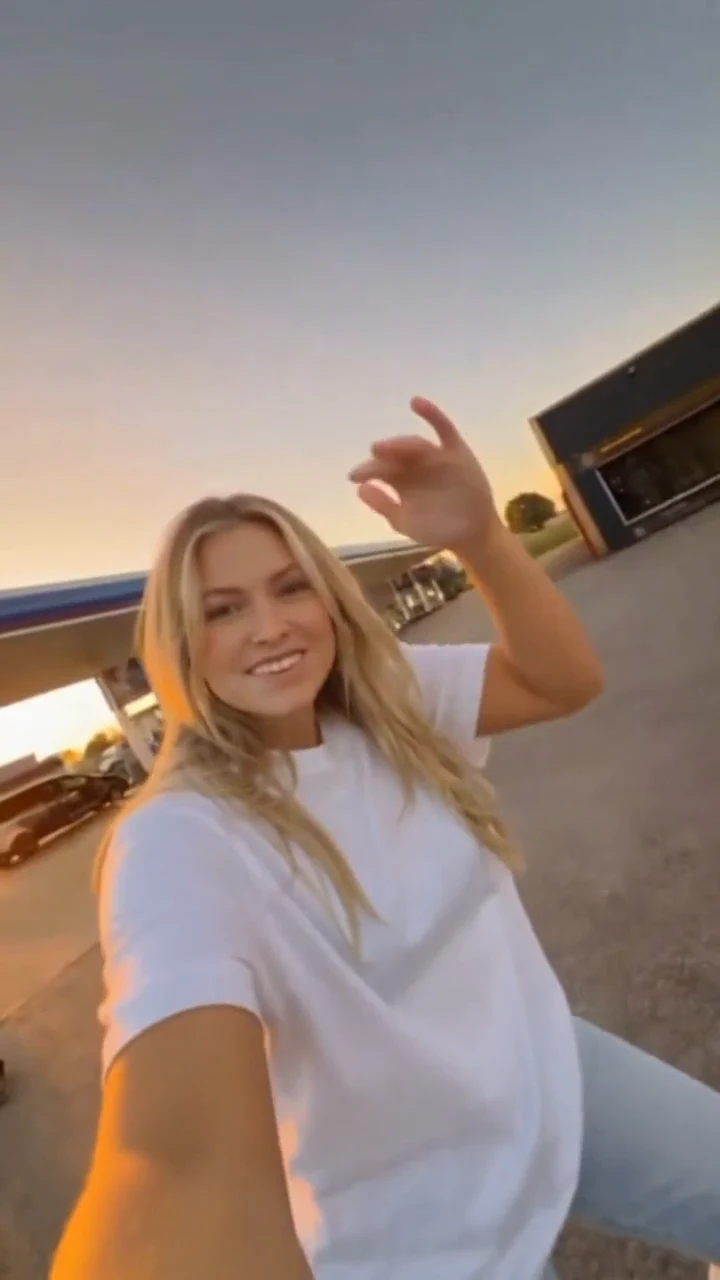
Plan a dance, a close selfie and a stationary-car shot. A private driveway or another permitted filming area can supply the idea without working around active pumps or traffic.
Record each role independently. For a solo version, keep the outfit the same. For a trio, write down who belongs to each shot before filming.
Place the three clips on an editing timeline in that order. Trim the dance to one readable movement and use the selfie as a short change of pace.
Match the direction of movement into the car shot. Finish on a stable pose, then export and check that no face is hidden by a crop.
For editing, Shotcut and Kdenlive are free, open-source options according to their official sites. They edit your media; that does not imply a built-in Gas Station Dance AI effect.
A simpler still-image alternative
Create a three-panel photo sequence using one photo per scene. Label the roles while planning, then remove those working labels from the final edit if they are not part of the design. The result can tell the sequence without claiming to be continuous dance footage.
Before you rely on an AI trial
Check the current offer on the provider’s own site before uploading. Free account creation does not establish a free video render, and a free preview does not establish a downloadable result.
- Does the allowance cover video, or only images?
- Does it accept the number and type of references this scene needs?
- Is export included, and at what length, resolution and watermark level?
- Is a payment card or recurring plan required?
- What happens to credits after a failed or unusable draft?
For the dancer and car-exit roles, use clear full-body images with the shoes visible. The selfie role benefits from a face-forward portrait. For solo planning, choose one image with both facial detail and enough body information for the wider shots.
If the inputs do not match the offer, the trial is not a useful test of this particular scene. We have not tested an external free render or download for this guide.
What can you do on this site?
Explore Gas Station Dance photo planner, Gas Station Dance step-by-step guide, then choose clear photos for your video.
Explore actual generation page, then choose clear photos for your video.
Choose the route that fits your idea
Use the solo route for identity continuity and fewer inputs. Use scene-by-scene casting when the joke depends on different people taking over. If a model cannot preserve the door and feet, a filmed car shot is a practical alternative to repeated renders.
Reviewed October 22, 2026. Editor availability was checked on the official Shotcut and Kdenlive sites. Visual references and their credits are linked above; no external AI offer was purchased or tested.
Frequently asked questions
Does a free trial guarantee a free download?
No. Rendering, previews and exports can have different conditions. Check the current offer before uploading or entering payment details.